Lenovo workstation A refurbished Lenovo mobile workstation
A workstation has its own graphics card next to the processor, so that image and calculation are not fighting over the same chip.
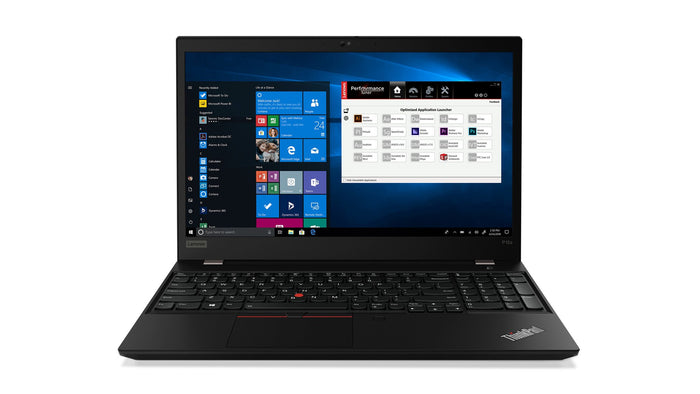
Lenovo ThinkPad P15s Gen 1Intel® Core™ i7-10610U
Features
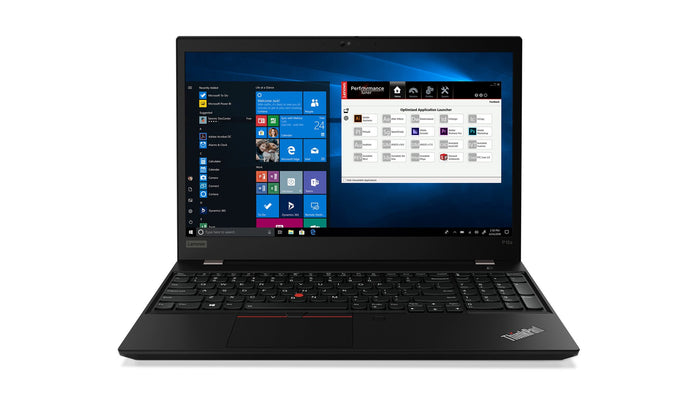
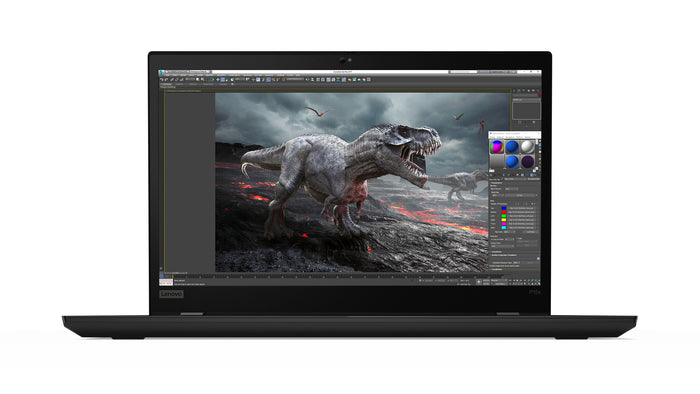
Lenovo ThinkPad P15s Gen 1Intel® Core™ i7-10610U
Features
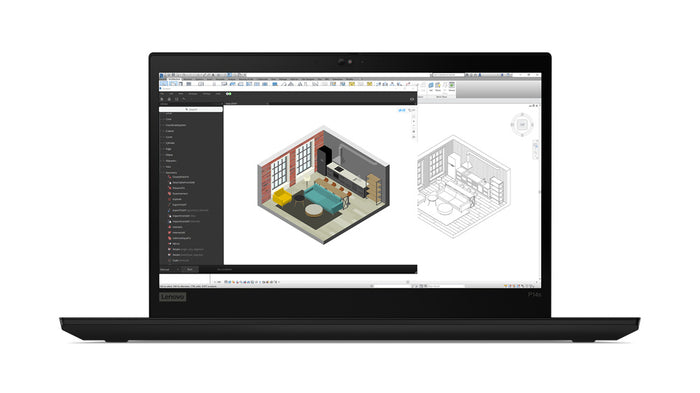
Lenovo ThinkPad P14s Gen 2iIntel® Core™ i7-1185G7
Features
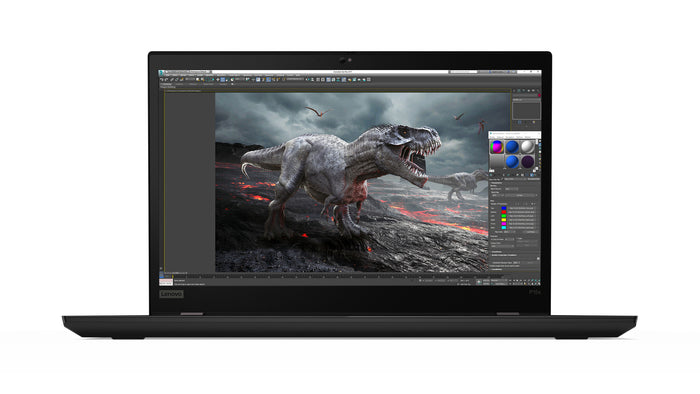
Lenovo ThinkPad P15s Gen 1Intel® Core™ i7-10510U
Features
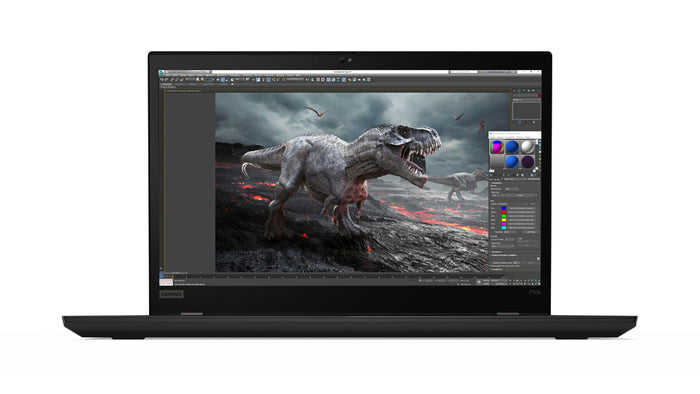
Lenovo ThinkPad P53sIntel® Core™ i7-8665U
Features
What to know about a mobile workstation
Four questions that set it apart from an ordinary business laptop, with the figures of the machines standing here right now.
A workstation has a separate graphics card with its own memory, next to the processor. On an ordinary laptop the processor handles the image as well; that works fine until your software starts making the image calculate. That is where a dedicated card helps, because it takes over that work while the processor carries on with the rest.
The machines here have an NVIDIA Quadro: seventeen with 2 GB of its own memory and one with 4 GB. The P in the model name is what Lenovo calls this line.
A workstation is the most expensive thing a manufacturer builds when new, and that is exactly why they come free in large numbers after a lease contract of three or four years. The machines here are between 599 and 1050 euros.
None of that changes the hardware. A graphics card does not wear out: after four years it does the same as on day one. What does wear out is the battery, and we measure that on every machine and replace it when there is too little left.
Three series, all the thin variant of the P line. The P15s is here the most, with a 15 inch screen and a weight of 1.75 kilos. The P53s has the same format and is a little older. The P14s is the compact one at 14 inch and 1.47 kilos, for anyone carrying the machine around all day.
All eighteen have 16 GB of memory, fifteen have a Core i7 and three an i5. The product data states for all eighteen that the model meets MIL-STD-810G.
Choose a workstation if your software makes the image calculate: CAD, 3D, video editing, mapping. For mail, Office, the browser and video calls an ordinary ThinkPad is just as fast, and often lighter and quieter, because a dedicated graphics card asks for power and cooling.
If you are unsure, check the system requirements of your program. If they name a recommended graphics card, this is the right page. If they say nothing about graphics, you have more choice at Lenovo ThinkPad.
Questions? Answers.
A laptop with its own graphics card next to the processor, meant for work that would otherwise need a desktop. At Lenovo that is the ThinkPad P series. There are eighteen here: all with an NVIDIA Quadro, 16 GB of memory and Windows 11 Pro, and fifteen with a Core i7.
Work where the software makes the image calculate: 3D and CAD design, simulations, video editing, scientific calculation and mapping. So anywhere there is calculation and graphics at the same time, and both have to keep running.
On the machines here, always: seventeen of the eighteen have an NVIDIA Quadro with 2 GB of its own memory and one with 4 GB. That is the essential difference from an ordinary business laptop, where the processor handles the image as well. Whether your software officially supports that card is stated in its system requirements; that differs per package and per version.
Only the thin versions are here, and they are lighter than you would expect from a workstation: the 15 inch weighs 1.75 kilos and the 14 inch 1.47 kilos. That is heavier than an ultrabook, because a dedicated graphics card needs cooling, but a good deal lighter than a classic workstation with the same screen.
The workstation is a ThinkPad too, namely the P series. The difference is the dedicated graphics card and the cooling that comes with it. That makes it stronger on graphics work and a little heavier; an ordinary ThinkPad is more versatile, lighter and quieter.
Yes. All eighteen come with Windows 11 Pro and have TPM 2.0 on board, so they can work in a domain and with disk encryption the way your IT department wants. These are business machines; that is what this line is built for.
We do not name a number of years, because that depends on your software and not on the machine: for one person four years is enough, for the next it lasts eight. What we can say: the product data states for all eighteen that the model meets MIL-STD-810G, every machine is tested on 50+ points and the battery is measured and replaced where needed. You get 12 to 24 months warranty.
Yes. Every machine is tested on more than 50 points, the battery is measured and replaced where needed, and you get 12 to 24 months warranty. A workstation is expensive when new; that is exactly why refurbished is the route here to get this kind of power at a price that works.
An NVIDIA Quadro. Seventeen of the eighteen with 2 GB of its own memory and one with 4 GB. The exact model is in the specifications of each machine, because it differs per version.
All eighteen have 16 GB. For most design software that is the floor at which it stays smooth. If you need more, ask before you order: on part of the P series a memory slot is free, but that differs per version and we will check it for you.
Not with these models. The s in P15s is what Lenovo calls the thin version: it weighs 1.75 kilos, where a classic workstation with the same screen size easily adds a kilo on top. If you want lighter, the P14s at 1.47 kilos is the one; you then give up screen area.
That depends on the ports of the machine, not on the graphics card. The ports are listed in the specifications of each model, and a docking station extends them. If you are not sure which combination you need, ask; we will look at the machine that is ready to go.
A dedicated graphics card asks for power, so under heavy load a workstation lasts less long than an ordinary laptop. On normal office work the difference is hardly noticeable, because the card is not running then. We measure the battery on every machine as part of the 50+ checks and replace it when it has too little left.
Ask before you order. Between a P15s and a P53s it is mainly age, and between a P15s and a P14s mainly format, and which suits you better depends on your software and on how often the machine leaves the house. We will look at the machines that are there at that moment.