Laptop with dedicated graphics Refurbished, extra graphics power
A laptop with dedicated graphics has, alongside the graphics unit in the processor, a separate NVIDIA card with its own video memory.
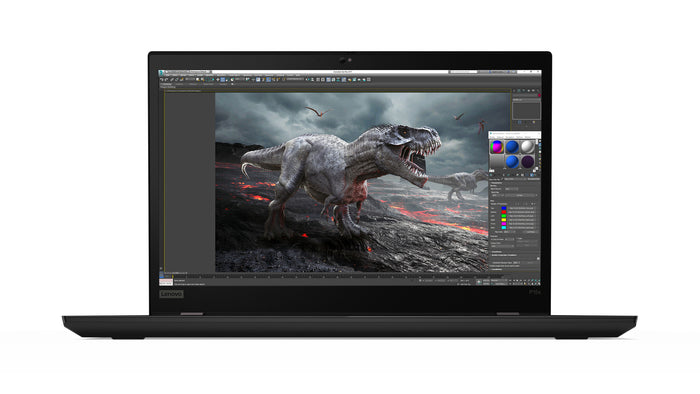
Lenovo ThinkPad P15s Gen 1Intel® Core™ i7-10510U
Features
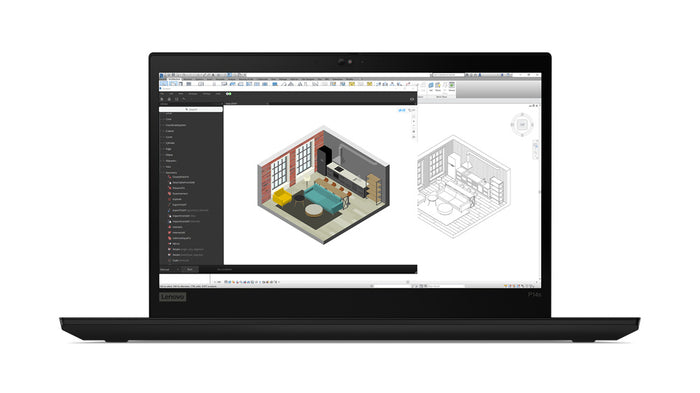
Lenovo ThinkPad P14s Gen 2iIntel® Core™ i7-1185G7
Features
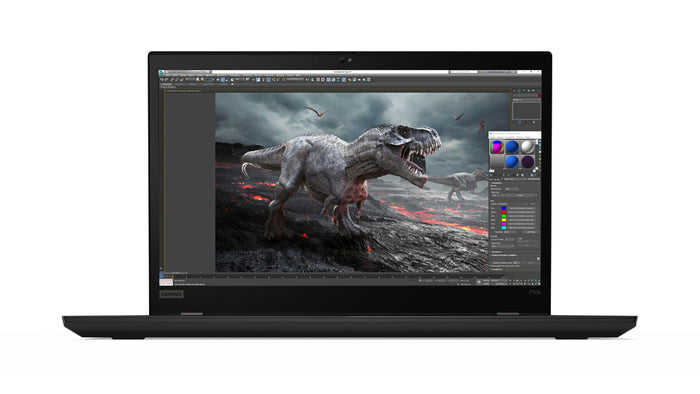
Lenovo ThinkPad P53sIntel® Core™ i7-8665U
Features
Extra graphics power, not a gaming card.
What kind of cards these are, when it is worth it and which ThinkPads have them.
Business cards, not gaming cards. This collection currently holds the NVIDIA Quadro P520 and T500 and the GeForce MX250, MX330 and MX450. Those are efficient cards that run alongside the processor.
If you are looking for a laptop for heavy games, this is not the collection. That calls for cards from the RTX or GTX range, and we do not have those here.
If you use programs that ask for a separate card. In CAD, 3D and video editing, the program requirements often list a card with its own video memory, and then everything runs noticeably more smoothly.
For email, Office, the browser and video calls you do not need one; the graphics unit in the processor already does that work. A separate card needs more power and makes the laptop warmer and more audible under load.
Mainly the P series, Lenovo's mobile workstations. In this collection that is currently the P15s, along with the P14s and the P53s, plus part of the T series such as the T15 and the T590.
The P series is built for this work, with more cooling, and for the well-known CAD and design programs that series is tested by the software makers themselves.
The graphics in the processor is more than enough for office work, video calls and two external screens. You need a separate card when your programs ask for it: CAD, 3D and video editing.
A separate card asks for more power and makes the fan audible. If you are unsure whether you need it, first look at choosing by processor.
Questions? Answers.
A graphics card (GPU) processes image data for the screen. An integrated GPU sits in the processor and is fine for everyday use. A dedicated GPU is a separate chip that offers far more power for graphics-heavy tasks such as video editing, 3D design and advanced visualisation.
Open Task Manager with Ctrl, Shift and Escape and go to the Performance tab. On the left you will see the graphics cards that are fitted, with their names. If the device has two, you see GPU 0 and GPU 1: the chip in the processor and the separate card.
More precise still is dxdiag: type that into the Windows search box. It also shows how much video memory the card has.
An integrated GPU shares memory with the processor and is efficient but limited in power. A dedicated GPU has its own video memory (VRAM) and delivers considerably more graphics power. For creative work, technical drawing or complex visualisation a dedicated GPU is a requirement.
Different, not simply better. A Quadro has drivers that are tested with CAD and design programs, and you notice that in stability during that work. A GeForce is the general range and does perfectly well in practice for video editing and photo work.
So choose on your program. If your software requirements list a certified card, you want a Quadro; otherwise look mainly at the video memory and the generation.
A dedicated GPU is essential for video editing, 3D modelling, graphic design, rendering, machine learning and technical simulation. For working with several 4K monitors at once, a dedicated GPU also gives clearly better performance.
If you do not yet know which feature you need, start at choosing a laptop by feature.
Absolutely. In working life, GPU power is mainly useful for creative and technical jobs. Video editing, architecture, engineering, data analysis and animation benefit from a strong GPU every day, with no gaming involved.
If you do not need one, have a look at all refurbished laptops.
Light and older games will run. These are business cards, made for programs that calculate images, not for the newest games on high settings.
If you are looking for a laptop to game on, this is not the collection. That calls for cards from the RTX or GTX range, and we do not sell those.
For light graphics work and video editing in HD, 4 GB of VRAM is usually enough. For 4K video editing, complex 3D models and professional rendering software, 8 GB or more is advisable. More VRAM gives smoother performance on heavier tasks.
Yes. For ordinary work Windows uses the efficient chip in the processor and switches to the separate card when a program needs it. That happens automatically, so your battery does not drain on email.
You can fix it per program in Settings, System, Display, Graphics settings. Handy if a program does not pick up the separate card by itself.
Yes, a dedicated GPU uses more energy. Modern laptops switch automatically between the integrated and the dedicated GPU depending on the task. In light use such as email and word processing, the efficient integrated GPU is used.
Yes, a dedicated GPU produces more heat, which is why laptops with a powerful GPU are usually thicker and have active cooling. That is a deliberate design choice, so performance stays stable under high load.
Usually not. On these models the chip in the processor can already drive several. What gets in the way more often is the ports and the docking station: those determine how many screens you can connect and at what resolution.
So look at the connections first and at what your dock passes through. A separate card is there for calculating images, not for connecting more screens.
No. In a laptop the graphics card is fixed to the mainboard, so swapping it is not possible. That applies to nearly all laptops, not just refurbished ones.
What you can expand is the memory and the storage, and for heavy work an external screen helps more than you would think. If you already know you will be doing graphics work, choose a device with a separate card straight away.
Yes. At Hej Refurbished, laptops with a GPU are tested extensively for graphics performance and stability under load. Mobile workstations are built for intensive professional use and last for years as a refurbished model.