Intel Core i5 laptop The sensible middle ground
A laptop with an i5 processor is the right answer for most people: fast enough for office work with plenty of tabs, easy on the battery and far cheaper than an i7 whose difference you would barely notice on this kind of work.
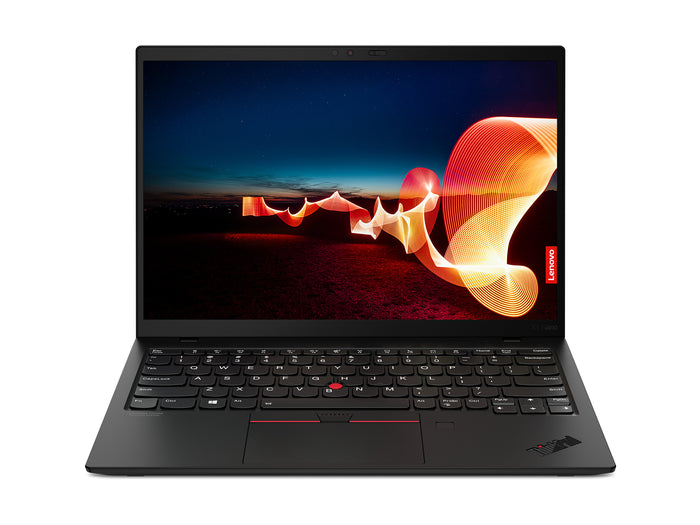
Lenovo ThinkPad X1 Nano Gen 1Intel® Core™ i5 i5-1130G7
Features
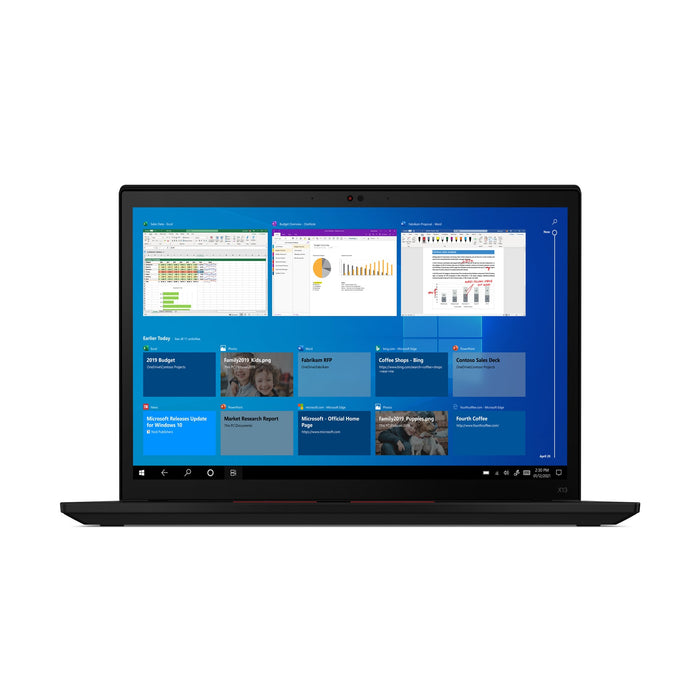
Lenovo ThinkPad X13 Gen 2iIntel Core i5-1145G7
Features

Lenovo ThinkPad T14 Gen 4Intel Core™ i5-1335U
Features

Lenovo ThinkPad X1 Carbon Gen 6Intel® Core™ i5-8350U
Features

Lenovo ThinkPad X1 Yoga Gen 5Intel® Core™ i5-10310U
Features
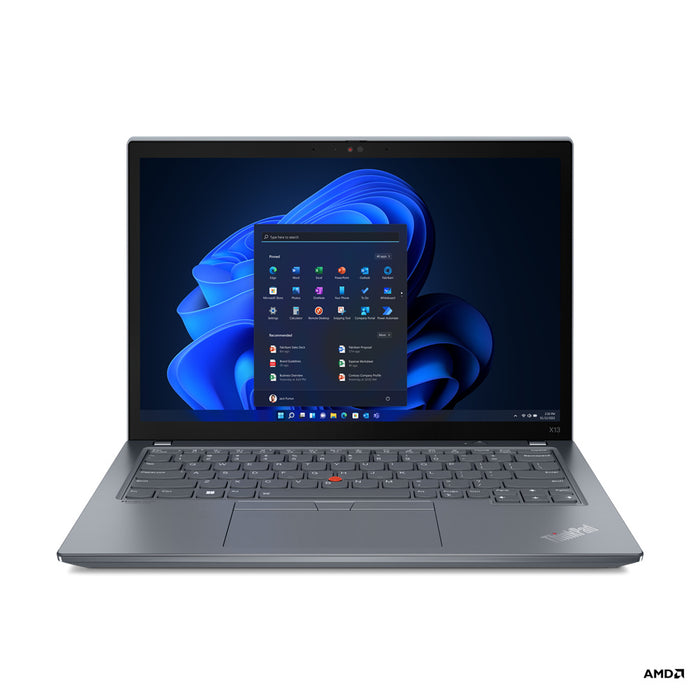
Lenovo ThinkPad X13 Gen 3Intel Core i5-1245U
Features
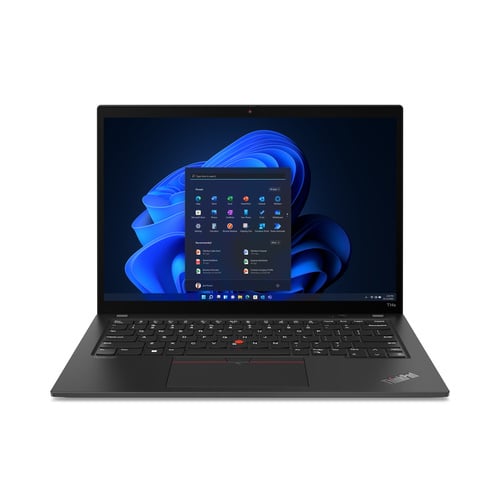
Lenovo ThinkPad T14s Gen 3Intel® Core™ i5-1240P
Features


Lenovo ThinkPad X1 Yoga Gen 7Intel® Core™ i5-1240P
Features

Lenovo ThinkPad T15 Gen 1Intel Core i5-10210U
Features
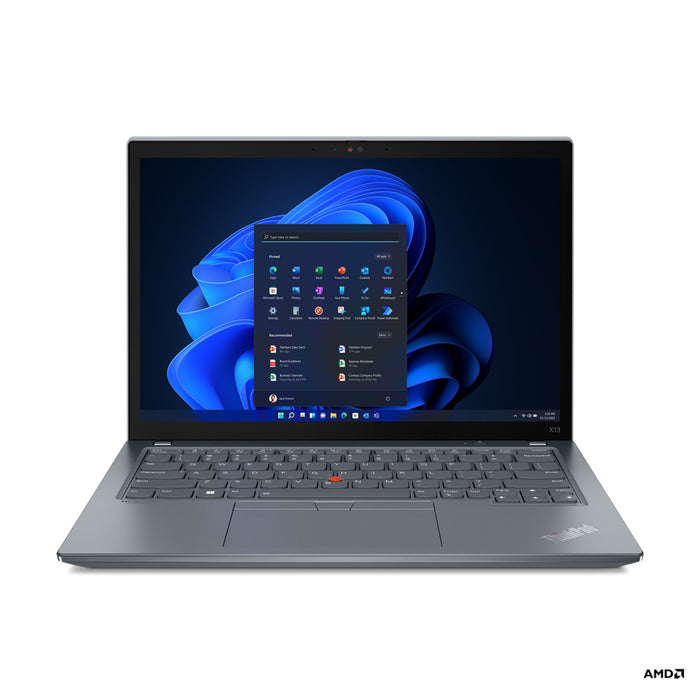
Lenovo ThinkPad X13 Gen 3Intel Core i5-1245U
Features

Lenovo ThinkPad T15 Gen 1Intel Core i5-10210U
Features
Why the i5 is the standard.
What this level can do, where the limit sits and what to look at when choosing.
The i5 sits in the middle of the Core range and is the level manufacturers fit to their business laptops as standard. Four cores handling eight tasks side by side, with a burst of speed it can hold briefly when more is needed. That makes it feel brisk on work that arrives in waves, which is exactly how office work behaves.
Within the i5 range the generation makes a lot of difference. The first number after the i5 tells you which one it is: an i5-1135G7 is eleventh generation, an i5-8350U eighth.
Twenty tabs, Teams, Outlook and a spreadsheet side by side: that is what an i5 is built for. Everything stays responsive, even with something syncing in the background. And because almost every business laptop carries the frugal U version, you get through a working day without the charger.
The limit sits with work that keeps calculating: exporting video, editing large photo files, running several virtual machines. There an i7 becomes noticeably faster, and below that it does not.
Business models out of company lease cycles, with a solid chassis, a keyboard that stays pleasant to type on and parts that can be replaced. This is the level with the best availability with us, across several screen sizes and grades.
Filter alongside on generation, memory and screen size. For comfortable working, 16 GB of memory is the nicest choice; 8 GB will also get you there, and on these models it can be expanded later.
If you do office work, an i5 is plenty and with an i7 you are mostly paying for a bigger number. If you work with images, editing or software that keeps calculating, the difference does show and the i7 is worth the money.
More important than that choice: a newer i5 is often faster than an older i7. Compare on processor and generation before going by the number.
Questions? Answers.
The Intel Core i5 offers the ideal balance of power, energy use and price. It is fast enough for virtually any professional task, efficient enough for good battery life and available in a very large number of business models.
Yes, a modern Intel Core i5 processor performs very well at multitasking. Several browser tabs, Office applications, video conferencing and background processes all run smoothly, especially alongside 16 GB of memory.
An i5 is ideal for daily professional use: mail, Microsoft 365, video conferencing, presentations, data analysis in a spreadsheet and lighter programming work. It is the most versatile choice for business users.
An Intel Core i7 has more cores or a higher clock speed than a comparable i5. For standard office work the difference in daily practice is limited. The added value only shows on heavy tasks.
Yes. Intel Core i5 U-series processors are designed for efficient laptop use. They combine good performance with lower power draw, which results in 6 to 10 hours of battery life in normal use.
An i5 handles light to moderately heavy software without trouble. For very demanding software such as 3D rendering or intensive video production, an i7 is the better advice.
An Intel Core i5 laptop lasts 5 to 8 years in normal use. Beyond that, the useful life depends on battery capacity, the SSD and software updates.
Absolutely. Intel Core i5 laptops are proven hardware, deployed across millions of business environments. At Hej Refurbished they are tested thoroughly. You receive a dependable machine with warranty.
The newer, the further ahead you can look. From the eighth generation an i5 has four cores and Windows 11 is officially supported; that is the floor. From the tenth and eleventh generation you also get a more frugal chip and stronger built-in graphics. The first number after the i5 is the generation, so an i5-1145G7 is newer than an i5-8350U.
Usually not. An eleventh generation i5 is often faster in daily work than an eighth generation i7, because every generation works more efficiently and has better built-in graphics. So look at the generation first and at i5 or i7 second. Only on work that runs at full tilt for minutes does the i7 hold out longer.
16 GB is the nicest choice and 8 GB is enough for mail, browsing and Office. If you work with large files or virtual machines, 16 GB is the starting point. On most business models the memory can be expanded later; you can filter on the current amount alongside.
They tell you how much power the processor may draw. A U is frugal and sits in thin travel models, a P may draw more and an H is the fastest, but it costs battery life and produces more heat. Business laptops almost always carry a U, and for office work that is the best choice: a full working day without the charger and a quiet machine.
Yes. The built-in graphics of an i5 drive two external screens alongside the laptop's own, over HDMI, USB-C or a docking station. From the eleventh generation that also works at higher resolution. For a desk with two screens an i5 is a comfortable choice.
Yes, that is exactly what this level is built for. Teams or Zoom with video does not take an i5's full capacity, so you can stay in a document or spreadsheet during the call. Do get 16 GB of memory if you keep a lot of tabs open at the same time.