Desktop accessories Complete your desktop.
All accessories for your desktop are new
and come with a 12-month warranty, even if you only need a single part.

DataTraveler 70 USB-C-stick 64GB (DT70/64GB)


In-Ear oordopjes "Porto" met microfoon


What you need alongside your desktop.
A desktop comes without a display, keyboard and mouse, so this belongs with it.
No. Only our laptops, desktops, monitors and docking stations are refurbished. All accessories on this page are new, with 12 months warranty.
That goes for cables, adapters, keyboards, mice and storage.
A screen, a keyboard and a mouse. A desktop has no built-in display, no keyboard and usually no camera or microphone either.
A refurbished monitor alongside it completes the set, and then you also need the right cable.
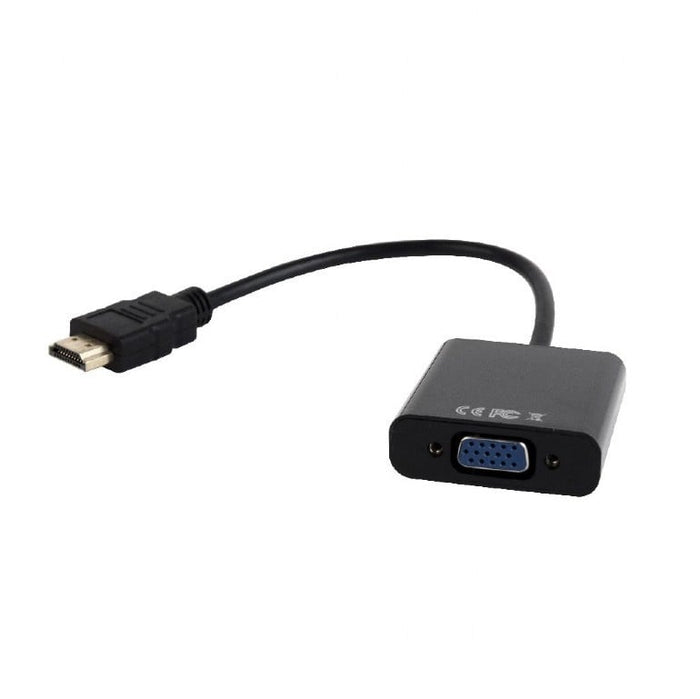
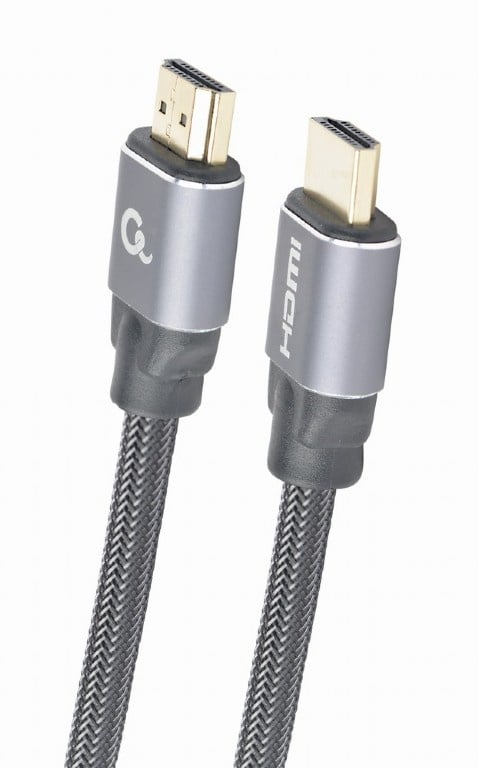
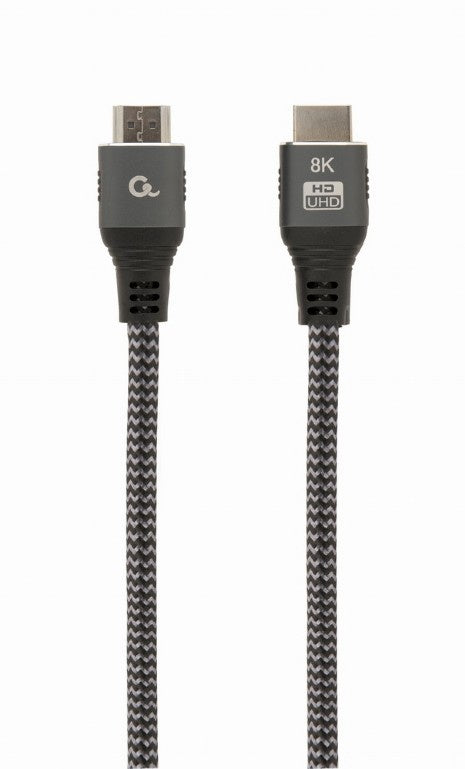
Look at which ports your desktop and your monitor share: DisplayPort, HDMI or on older models DVI or VGA. DisplayPort and HDMI give the sharpest image.
If they have no port in common, a small adapter solves it. Which ports a device has we test per device.
That works as soon as your desktop has two video outputs, and on business models it often does. You then connect both screens directly.
If you only have one, daisy-chaining over DisplayPort can be the answer, or a docking station.
Questions? Answers.
No, most desktops have no built-in microphone. So for video calls or recordings you need a separate clip microphone or a headset.
A wired keyboard is a reliable, budget-friendly choice for a fixed workplace. If you want fewer cables on your desk, a wireless set with mouse and keyboard is practical.
With a USB to SATA adapter you can connect a 2.5" hard drive or SSD externally, without having to install it inside.
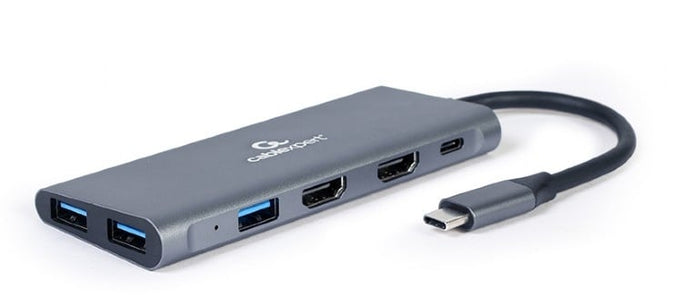
A USB hub on your desk is easier to reach than the ports at the back of your desktop, handy for accessories you plug in and out often, such as a USB stick.
If your desktop's built-in network port is faulty, or you want a wired connection alongside Wi-Fi, a USB network adapter is the answer.
A keyboard with per-key backlighting is mainly useful if you work in a dimly lit room, so you can see the keys clearly even in low light.
New. Only our laptops, desktops, monitors and docking stations are refurbished; everything on this page comes out of the box unused.
You get 12 months warranty on it.
12 months, on every accessory. On top of that you have 30 days to change your mind, from the day after your order arrives.
If something goes wrong in that period that falls under the warranty, you report it to our customer service.
See which port both have: DisplayPort, HDMI, or on older devices DVI or VGA. DisplayPort and HDMI give the sharpest picture.
If they share no port, a small adapter solves that. We test every connection before a device goes on sale.
If you want to make video calls, yes. Unlike a laptop, a desktop has no built-in camera and usually no microphone either.
A separate webcam with a microphone solves both at once.
A flat keyboard with a quiet action and a mouse that supports your whole hand are the most pleasant in the long run.
Wireless gives a tidy desk, wired never gives you an empty battery. Both work equally well.
If your desktop has two video outputs, you connect both screens directly. On business models that is often the case.
If you only have one, daisy chaining over DisplayPort can work, or you use a docking station.
A desktop usually has no speakers, and many business monitors do not either. So for sound you need something separate.
A headphone or headset works best in meetings, separate speakers for music and film.
Not every business desktop has wifi on board; those are made for a network cable. With a USB wifi adapter or a network card you solve that.
If a cable is possible, that is the more stable choice. A wired connection does not drop out at the moment you need it.