All accessories Find the accessory
you are looking for
All accessories at Hej Refurbished are new, never used,
and come with 12 months warranty, whatever device you have.
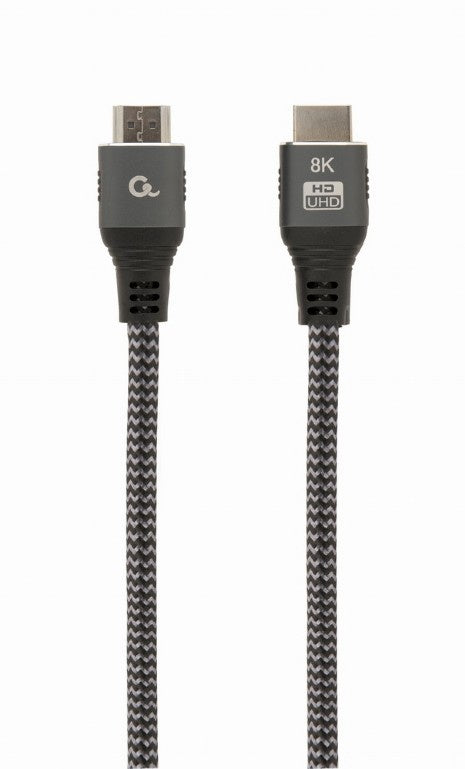
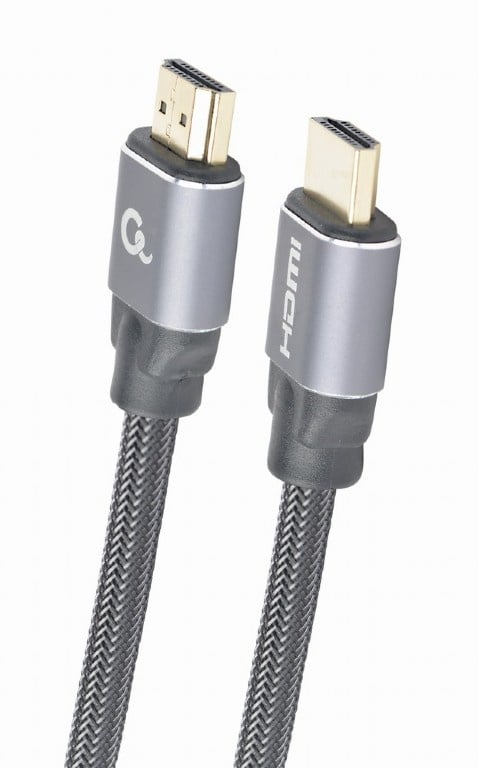


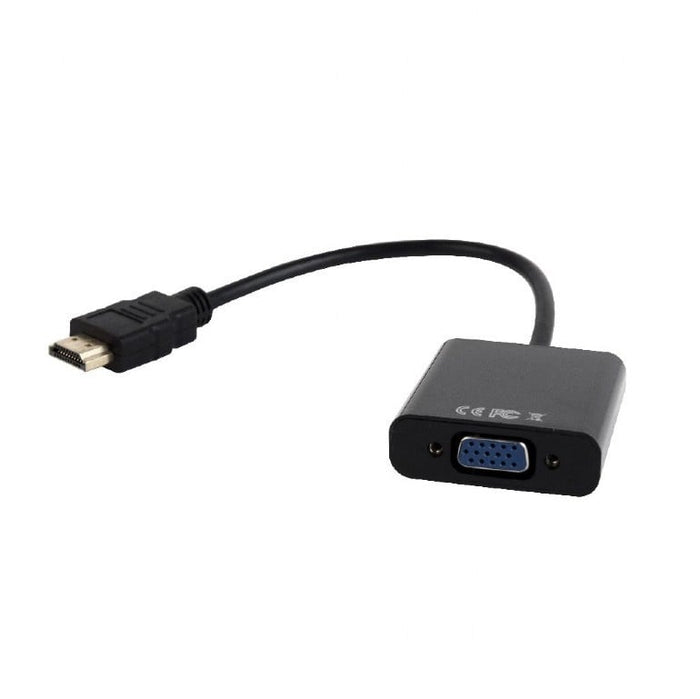
HDMI naar VGA kabel met audio, 1.8 meter

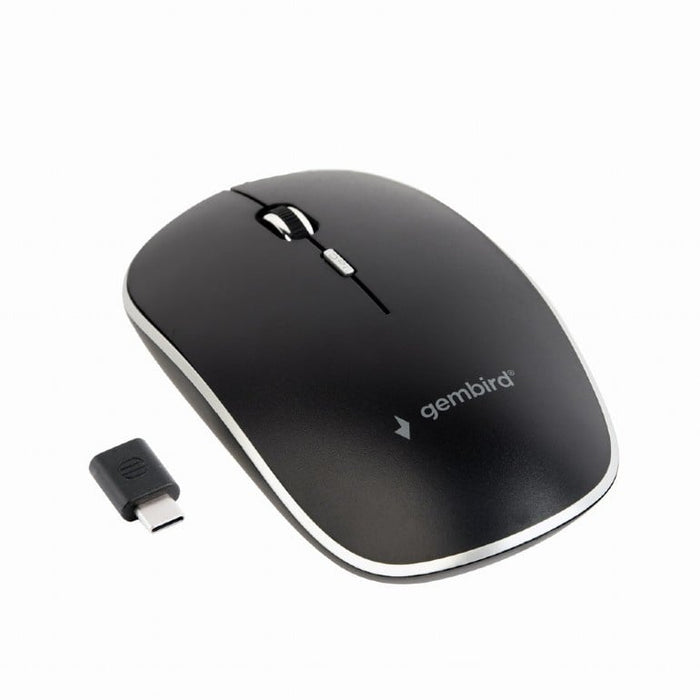

Fluisterstille draadloze muis, zwart

Multimedia toetsenbord zwart USB
What you need alongside your device.
Why these items are new, what you really need and what to look out for when choosing.
Everything that sits on your desk next to your laptop, desktop, monitor or docking station: cables and adapters, a mouse and keyboard, a bag, a stand, a webcam and storage.
It is grouped per device, so you do not have to search: laptop accessories, desktop accessories, monitor accessories and docking station accessories.
A cable, an adapter or a mouse costs little when new and lasts for years. Refurbished brings hardly any advantage there, and with a cable you want to be sure it is intact.
That is why everything on this page is new and unused, with 12 months warranty. Only our laptops, desktops, monitors and docking stations are refurbished.
First look at which ports your device has. A laptop with only USB-C needs different items than a desktop with USB-A and HDMI.
If you are unsure, our customer service will look with you. Tell us which device you have and what you want to connect, and we will look it up.
If you need one thing alongside it, a cable or an adapter is enough. If you connect the same things every day, a docking station saves you four separate cables.
A docking station is refurbished and an accessory is new. That is the only difference in how we supply them; the 12 months warranty applies to both.
Questions? Answers.
No, our accessories such as mice, keyboards, cables and adapters are brand new. Only our laptops, desktops, monitors and docking stations are refurbished.
That depends on your use, but the most chosen combination is a wireless mouse, a USB hub or docking station for extra ports, and a suitable cable to connect an external monitor.
Most docking stations with a USB-C or Thunderbolt connector work with laptops from various brands such as Dell, HP, Lenovo and Apple, as long as the laptop itself supports that port. When in doubt, always check your laptop's specifications.
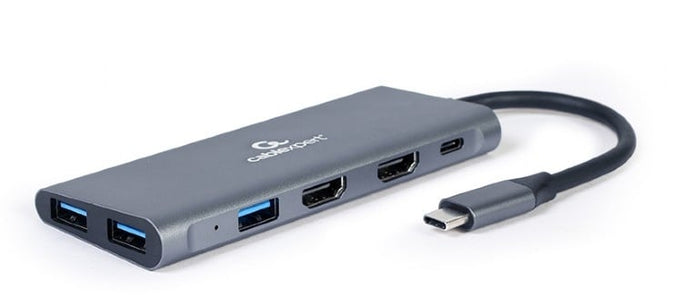
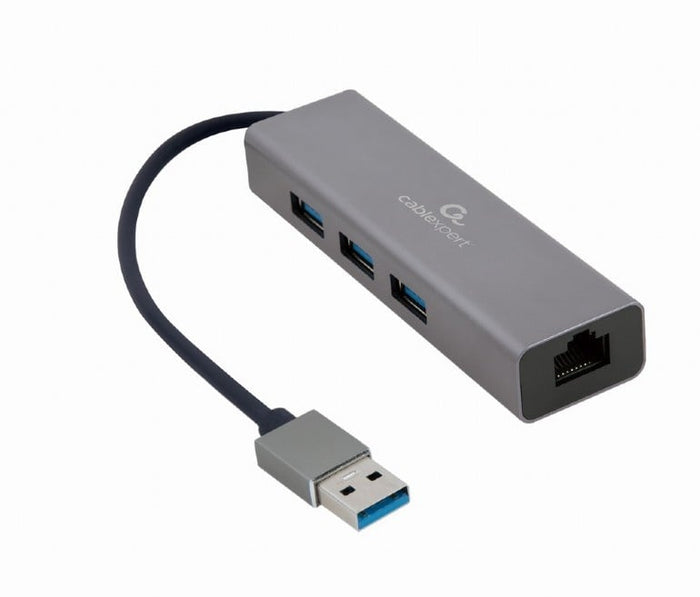
A USB hub mainly expands the number of USB ports. A docking station goes further: besides extra ports you can also connect several monitors, a network cable and power to it, over a single cable to your laptop.
That depends on the ports on your laptop and monitor. HDMI and DisplayPort are the most common for video and sound, while on newer laptops a USB-C cable can often carry both video and power.
On all accessories such as mice, keyboards and cables you get 12 months warranty from Hej Refurbished as standard.
Yes, wireless mice and keyboards with a USB receiver or Bluetooth work without problems with virtually any refurbished desktop or laptop, whatever the brand.
USB-A is the classic rectangular connector, USB-C is the newer, oval connector you can plug in either way round, and Thunderbolt uses the same USB-C shape but offers higher speeds for, say, several monitors or fast external storage.
Order before 23:59 and we ship your order the next working day. On Wednesdays we do not process parcels, so orders from Tuesday 09:00 onwards we ship on Thursday.
Orders under €250 carry €5 shipping costs. From €250 we ship free of charge.
Yes. You have 30 days to change your mind, from the day after your order arrives, so you can first check whether it fits your own device.
The law requires a cooling-off period of two weeks. We give those 30 days voluntarily, and that does not limit your statutory rights.
That depends on what you want to connect. For a monitor an adapter from USB-C to HDMI or DisplayPort, for older peripherals an adapter to USB-A, and for a wired internet connection an adapter to a network port.
Those small adapters are with the laptop accessories and the desktop accessories. Watch one thing: your USB-C port has to carry video, and there is often a small screen symbol next to the port.
Yes. A keyboard and a mouse work over a standard, with a USB receiver, with Bluetooth or with a cable. The brand of your laptop does not matter.
On a Mac everything works too, although some keys are in a different place than you are used to.
For video and USB usually not: Windows and macOS recognise them by themselves. For a network port in an adapter a driver is sometimes needed.
You get that from the product's manufacturer. If something does not work straight away, that is the first place to look.
A dongle is a small plug that goes from one connector to another, for example from USB-C to HDMI. You need one when your device does not have the port your equipment asks for.
All the small adapters are with the laptop accessories. If you want to connect several things at once, look at the docking stations.