Linux laptop Business, tested and under warranty
These laptops run Linux smoothly. We supply them with Windows 11 Pro; you choose Linux on the product page and we put it on for an extra charge.
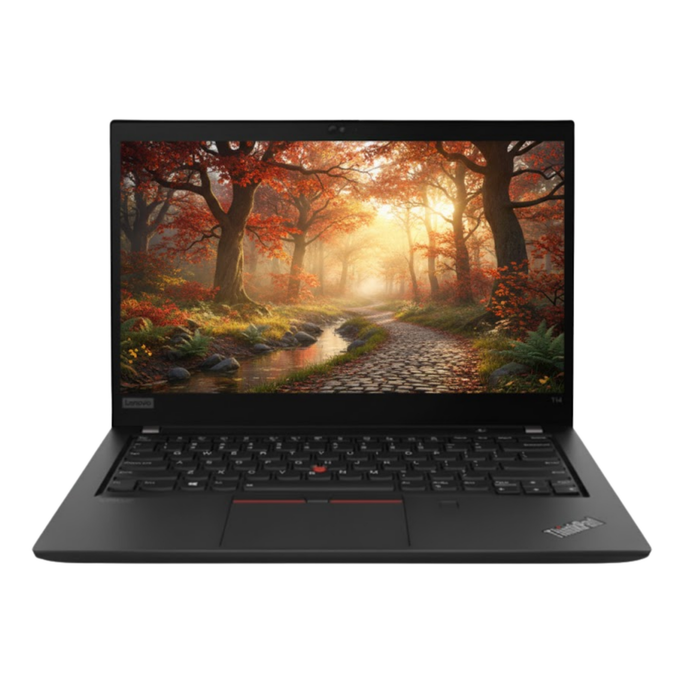
Lenovo ThinkPad T14 Gen 1Intel® Core™ i7-10610U
Features
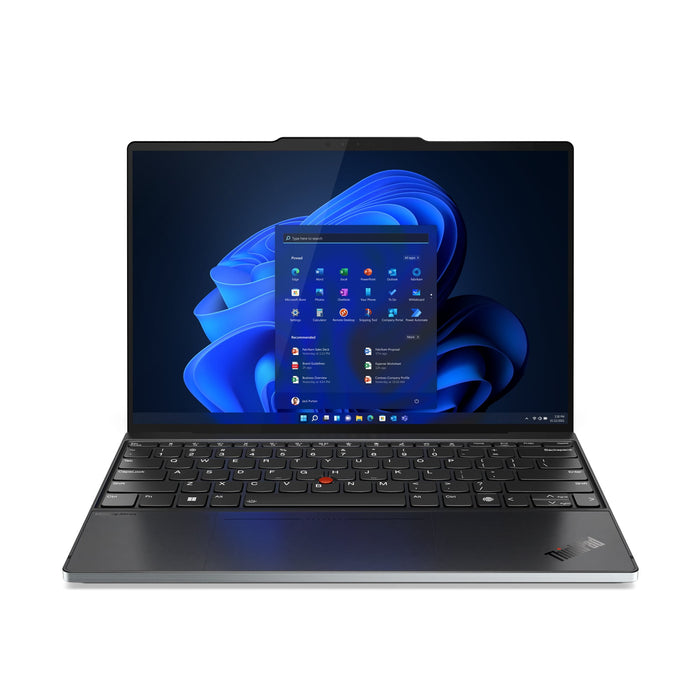
Lenovo ThinkPad Z13 Gen 2AMD Ryzen 7 PRO 7840U
Features
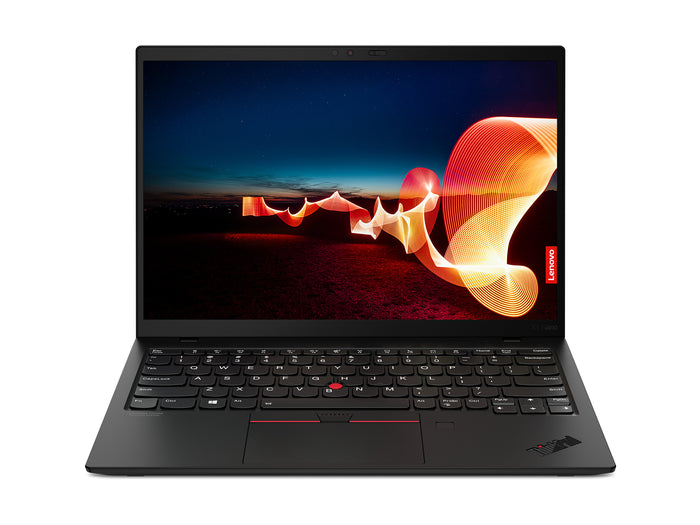
Lenovo ThinkPad X1 Nano Gen 1Intel® Core™ i5 i5-1130G7
Features
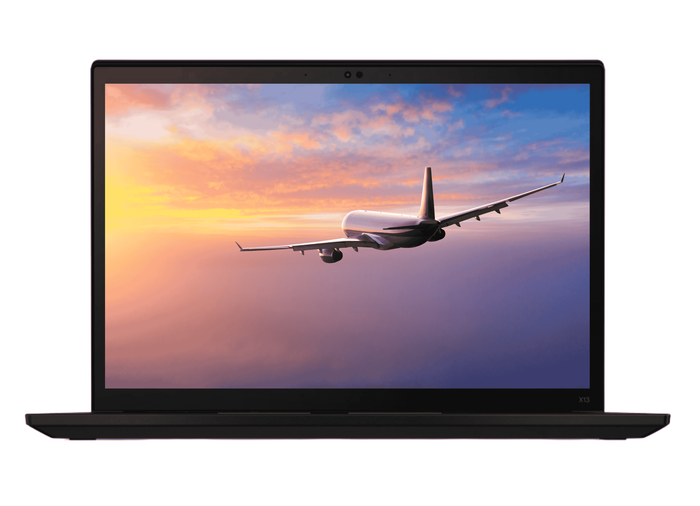
Lenovo ThinkPad X13 Gen 2iIntel® Core™ i7-1165G7
Features

Lenovo ThinkPad T14 Gen 1AMD Ryzen 5 PRO 4650U
Features

Lenovo ThinkPad P14s Gen 1Intel Core i7-10610U
Features

Lenovo ThinkPad P14s Gen 1Intel Core i7-10610U
Features
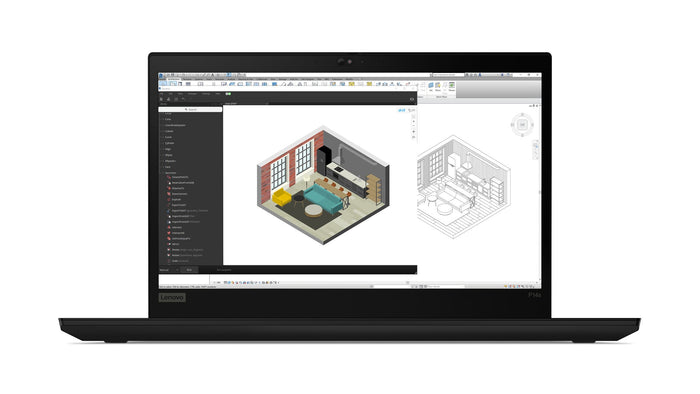
Lenovo ThinkPad P14s Gen 1Intel Core i7-10610U
Features
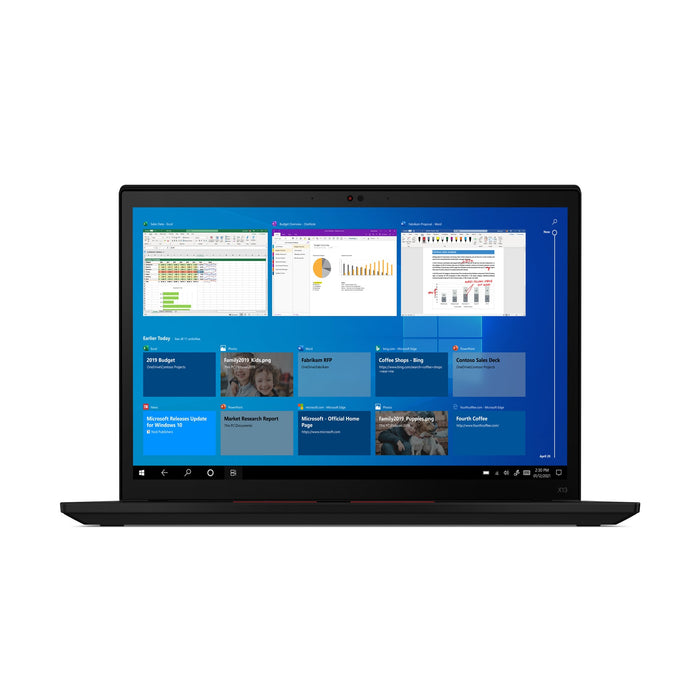
Lenovo ThinkPad X13 Gen 2iIntel Core i5-1145G7
Features

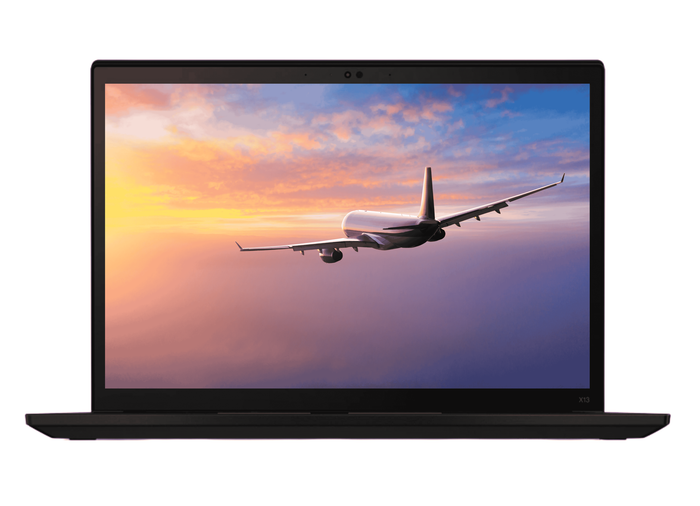
Lenovo ThinkPad X13 Gen 2iIntel® Core™ i7-1185G7
Features

Lenovo ThinkPad T14 Gen 2aAMD Ryzen 5 PRO 5650U
Features
Linux on a business laptop.
Why it fits well, which edition to take, and how it stands in our stock.
Because business laptops use common parts: Intel or AMD graphics, Intel wifi, standard SSDs. That is exactly the hardware Linux copes with best, and whose drivers are already in the kernel.
On top of that, Linux is lighter than Windows. A laptop of four or five years old that starts to struggle under Windows 11 feels brisk again under Linux Mint.
For anyone coming from Windows: Linux Mint with the Cinnamon desktop. The layout resembles Windows, with a start menu at the bottom left and a taskbar, so there is nothing to unlearn. Ubuntu is the other common choice and has the largest community for looking something up; it is also the version we install for you if you choose that option.
The system itself is free either way. Install it yourself and you are busy for half an hour from a USB stick; let us do it and you pay for the work, with the laptop arriving ready to go.
The laptops that Linux runs well on. Those are the ThinkPads you see above: common Intel components, whose drivers already ship inside Linux itself. If EliteBooks, ProBooks or Latitudes join them, they will appear here of their own accord, because the same holds for that hardware.
What you will not find here are MacBooks. For the Apple M chips there is only a project that is still in development, and on the older Intel models the wifi and the camera work only by way of detours.
As standard we put Windows 11 Pro on. If you choose Ubuntu Linux on the product page, we install that for an extra charge and the laptop arrives ready to go; the amount is shown with that choice. If you want a different version, such as Linux Mint, you install that yourself. Your warranty applies either way, because it covers the device and not the system running on it.
Two things. Windows-only software does not run, or only through a workaround that does not always work: accounting packages, industry software and the Office programs themselves. In a browser, Microsoft 365 does work as normal.
And check your peripherals. Printers, docks and wifi almost always work, but a fingerprint reader or a smartcard reader sometimes does not. Compare the three systems on choose a laptop by operating system.
Questions? Answers.
Linux offers maximum freedom, flexibility and control over the operating system. It is open source, fully customisable and extremely popular with system administrators, developers and security professionals. Linux is also light, fast and very well suited to older hardware.
Ubuntu, if you make that choice on the product page. It is the most common version, with the largest community for looking something up. If you are coming from Windows and want a layout that resembles it, Linux Mint with the Cinnamon desktop is nicer; that one you install yourself, because we install Ubuntu.
Modern Linux, such as Linux Mint, is considerably more approachable than it used to be. The interface resembles Windows and, for everyday tasks such as mail, browsing and documents, Linux is perfectly usable even without a technical background.
Plenty of popular software is available for Linux, including LibreOffice, Mozilla Firefox, Chromium and countless developer tools. Some Windows software runs through compatibility layers. Applications that exist for Windows only are not available.
Yes, Linux is known for its solid security architecture. It is less vulnerable to malware than Windows and requires explicit permission for changes to the system. Updates are installed quickly and easily through the package manager.
Absolutely. Linux is the most used environment for software development. Direct terminal access, built-in developer tools and broad support for programming languages make it the first choice for many developers.
Modern Linux distributions support virtually all common hardware, including wifi, Bluetooth, USB devices and printers. With older or highly specialised hardware it is wise to check compatibility beforehand.
Every laptop from us is checked on more than 50 points and comes with 12 to 24 months warranty on the hardware. That warranty still applies if you put Linux on it yourself, because it covers the machine and not the system.
Yes, if you choose it. As standard we put Windows 11 Pro on, because our machines come out of the business lease market. On the product page you can choose Ubuntu Linux: we then install it for an extra charge and the laptop arrives with Linux on it. The amount is shown with that choice.
In two ways. If you choose Ubuntu Linux on the product page, we do it and the laptop arrives ready to go. If you would rather do it yourself, or you want a different version, you make a bootable USB stick with Linux Mint or Ubuntu, start the laptop from it and choose in the installer whether to replace Windows or put it alongside. Put your Windows licence somewhere safe first if you want to be able to go back, because replacing it loses the licence.
Virtually all of it: display, wifi, Bluetooth, keyboard, touchpad, HDMI and USB-C with video. Where it sometimes goes wrong is the business extras, such as a fingerprint reader or a smartcard reader. Look up other people's experience with your model; for the common ThinkPads and EliteBooks there is plenty to find.
Not as a program, but in a browser: Microsoft 365 works on Linux through the web version, with Word, Excel and Teams. If you want a program on your own machine, LibreOffice is the common choice; it opens and saves Word and Excel files.
Yes. The warranty covers the hardware and not the system you put on it. If something breaks on the laptop, we help you whatever operating system is installed.
Usually yes, and that is one of the best reasons to do it. Linux Mint asks for less memory and less of the processor than Windows 11, so a laptop that starts to struggle feels brisk again. The difference is largest with 8 GB of memory or less.