Laptop with SIM card Refurbished, mobile internet built in
A laptop with a SIM card has its own 4G or LTE module on board, listed as WWAN in the specifications, so you are online anywhere there is mobile coverage, without wifi or a hotspot.
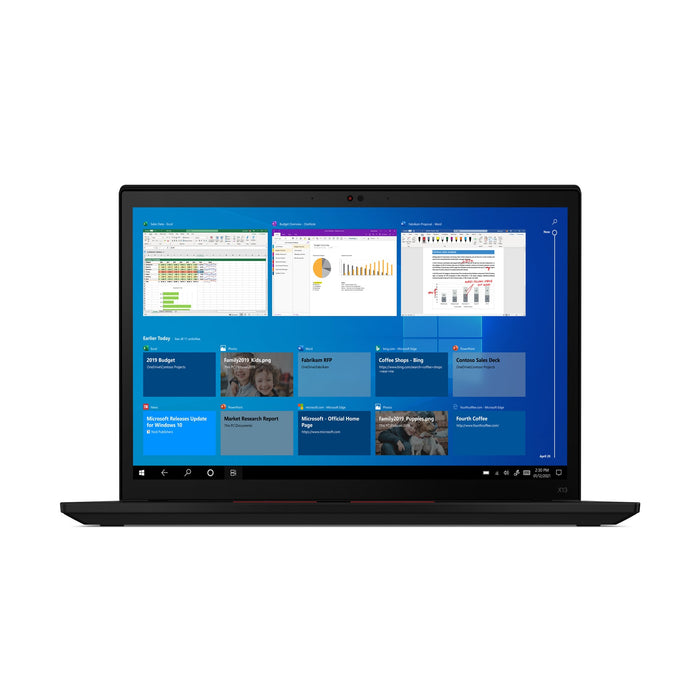
Lenovo ThinkPad X13 Gen 2iIntel Core i5-1145G7
Features

Lenovo ThinkPad X1 Carbon Gen 6Intel® Core™ i5-8350U
Features


Lenovo ThinkPad X1 Yoga Gen 6Intel® Core™ i7-1185G7
Features
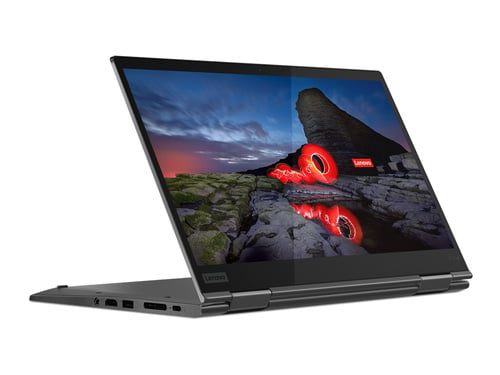
Lenovo ThinkPad X1 Yoga Gen 5Intel® Core™ i7-10610U
Features
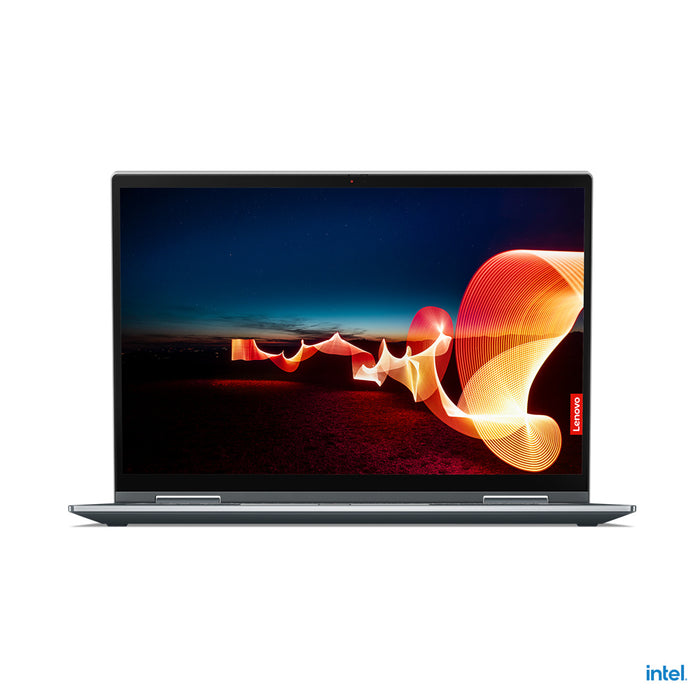

Lenovo ThinkPad X1 Yoga Gen 6Intel® Core™ i7-1185G7
Features

Lenovo ThinkPad T14 Gen 1AMD Ryzen 5 PRO 4650U
Features

Lenovo ThinkPad T15 Gen 1Intel Core i5-10210U
Features

Lenovo ThinkPad T14 Gen 1AMD Ryzen 5 PRO 4650U
Features

Lenovo ThinkPad T15 Gen 1Intel Core i5-10210U
Features
How mobile internet works on your laptop.
What a SIM slot does, when it is worth it and which ThinkPads have one.
A laptop with a SIM card has a module for mobile internet built in, usually 4G or LTE. In the specifications this is often called WWAN. You slide a SIM card into the slot and the laptop connects to your provider's network by itself, just like a phone.
A visible card slot is no proof that it works. On many business models the slot is there and the WWAN aerial is not, and then you get no connection. We only count a laptop as a laptop with a SIM card when that aerial is actually fitted, so everything above can do mobile internet.
If you regularly work in places where the network is not yours. You open the lid and you are online, without logging on to guest wifi and without reaching for your phone. If the wifi drops during a video call, you carry on over the mobile network.
There is a contract on top of it, so a monthly cost. If you mostly work in one place on your own network, you are paying for something you barely use.
Mainly the compact travel models. This collection currently holds Lenovo ThinkPads only, with the X1 Carbon as the largest group, plus the X390, the X13 and part of the T series.
It was an option per device, so the same model exists just as easily without. That is why we decide per laptop and not per model: only devices with the WWAN aerial fitted go into this collection.
A hotspot can do the same, just less smoothly. You have to switch it on every time, it pulls on your phone's battery, and the connection drops when your phone goes to sleep or moves out of range. A laptop with a SIM card is online the moment you open it, and stays online.
On the other hand, a hotspot costs you nothing extra, because you use the data you already have. If you do not yet know which feature you need, have a look at choosing a laptop by feature.
Questions? Answers.
A laptop with a SIM card has a built-in LTE or 4G module that connects it to the mobile network, just like a smartphone. You place a SIM card in the tray and you have an internet connection anywhere there is mobile coverage, without wifi or a hotspot.
In Windows, go to Settings, Network and internet. If Cellular appears between wifi and aeroplane mode, the module is fitted. In Device Manager you will find it under Network adapters as a mobile broadband device, often from Fibocom or Sierra Wireless.
A SIM slot on the side tells you nothing. That slot is also on devices where the module and the aerial are missing. We only count a laptop as a laptop with a SIM card when that aerial is actually fitted.
LTE (Long Term Evolution) is the technical name for the network technology also called 4G. In practice they are the same thing. Modern laptops with a SIM slot support 4G LTE networks and in some cases 5G as well.
Not at the moment. Everything in this collection works on 4G and LTE. Business laptops with a 5G module do exist, but they are not among these.
For email, video calls, working in the cloud and sharing files, 4G is more than enough in practice. You mainly notice the difference when moving very large files.
In four steps. Switch the laptop off and slide the SIM card into the tray on the side, usually with a pin or a paperclip. Switch the laptop on. Go to Settings, Network and internet, Cellular. Turn Cellular on and enter the SIM card PIN if it asks for one.
If you want it to do this by itself, switch on the option to connect automatically in that same screen. With an eSIM you skip the first step and add the profile with the code or the app from your provider.
Most laptops with a SIM slot use a nano SIM, the smallest standard size. Some models also support an eSIM, a digital SIM you activate through the settings. Check per device which format is supported.
Yes, if the size fits and there is data on your plan. You take it out of your phone and slide it into the laptop. The drawback is obvious: with that SIM card you are no longer reachable on your phone.
In practice most people therefore take a second SIM or a separate data plan. Many providers offer an extra SIM that uses the same allowance. What that costs differs per provider, so check it on your own contract.
Most business laptops with a mobile module are not tied to one network. A SIM from EE, O2, Vodafone or Three will work, and so will the providers that run on one of those networks.
Do check the frequency bands the device supports. Within the UK that is fine on business models; if you work outside Europe a lot, look at this before you choose.
That depends on your plan. Since the UK left the EU, roaming in Europe is no longer automatically included: some providers still include it, others charge a daily or monthly fee.
So check your own plan before you travel, for Europe as well as further afield. The laptop itself will connect to a local network without any setting up.
People who work on the move a lot: consultants, field engineers, sales staff and business travellers. You do not depend on public wifi networks and you keep working on the train, in a hotel or at a client's site.
If you are not sure whether another feature suits your work better, have a look at choosing a laptop by feature.
Yes. The SIM card is then your fallback when the wifi drops or slows down, for example during a video call or a presentation. Handy in places where a lot of people are on the same network.
Whether Windows switches over by itself depends on your settings, so do not rely on it blindly. You can also turn the mobile connection on yourself as soon as you notice the wifi struggling.
Your own mobile connection is generally safer than an open public network, because you are not sharing the network with strangers. Your traffic goes through your provider and not through the wifi of a hotel, a station or a client.
It does not make you untouchable. On mobile internet too, an encrypted connection and your company VPN remain important.
Sometimes, but do not count on it. Besides the module itself you need the aerial cables in the screen, and those are only there if the device was prepared for it in the factory. Without those cables you have a module with barely any signal.
That is why most people buy this ready to go. Everything in this collection already has the module and the aerial on board.
Laptops with an LTE or 4G module are usually a little more expensive than comparable models without mobile connectivity. As a refurbished device that price difference is far less noticeable. You still pay considerably less than for a new model with the same specification.
To see the difference, compare with all refurbished laptops.