Laptop with smart card reader Refurbished, sign in with a pass
A laptop with a smart card reader has a built-in card reader, so you sign in to your organisation's systems with your own pass.
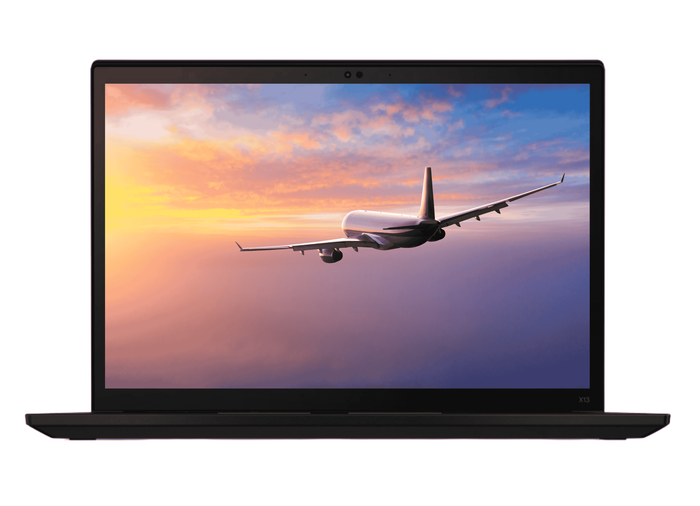
Lenovo ThinkPad X13 Gen 2iIntel® Core™ i7-1165G7
Features
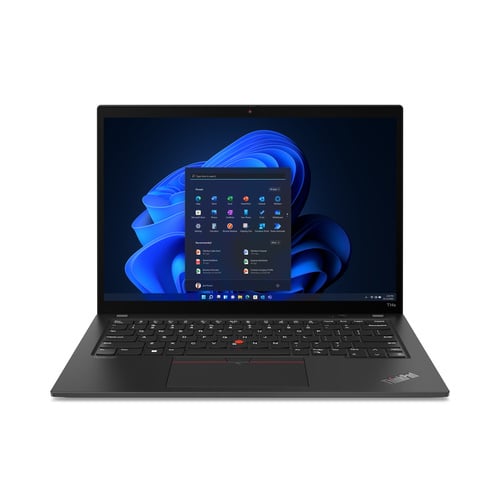
Lenovo ThinkPad T14s Gen 3Intel® Core™ i5-1240P
Features

Lenovo ThinkPad X13 Yoga Gen 4Intel® Core™ i5-1335U
Features
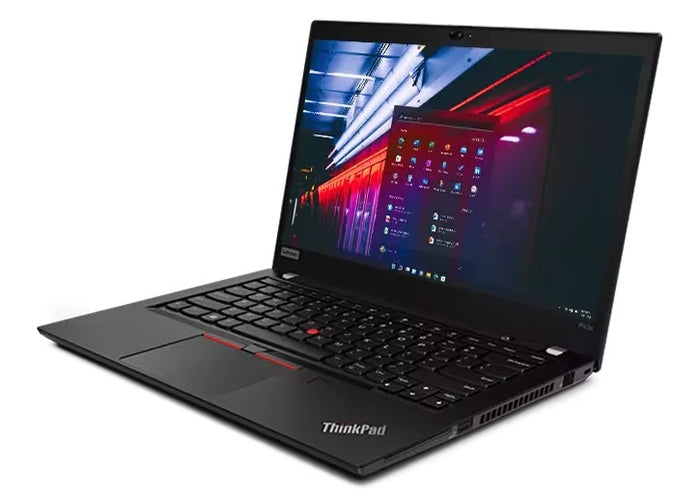
Lenovo ThinkPad P43sIntel® Core™ i7-8565U
Features

Lenovo ThinkPad T590Intel Core i7-8665U
Features

Lenovo ThinkPad T590Intel Core i7-8665U
Features

Lenovo ThinkPad T590Intel Core i7-8565U
Features

Lenovo ThinkPad X280Intel Core i5-7300U
Features

Lenovo ThinkPad T14 Gen 3AMD Ryzen 5 PRO 6650U
Features

Lenovo ThinkPad Yoga X13 Gen 2Intel® Core™ i5-1135G7
Features


Lenovo ThinkPad T15 Gen 2Intel® Core™ i5-1135G7
Features
Sign in with your work pass.
How to spot the reader, when you need it and which ThinkPads have one.
By the slot in the side of the casing, just big enough for a card the size of a bank card. In the specifications it is listed as a smart card reader, sometimes with the word contact in front of it.
That word contact is the difference that counts. This reader works with a card you slide in. A card you only hold against the laptop needs NFC, and that is a different feature that can be fitted separately.
Almost only when your organisation asks for it. In healthcare, in government and at large companies, signing in with a pass is often compulsory, and then the reader has to be there.
Privately it is of no use: without a pass and without your organisation's software the reader does nothing. If you are not sure whether you need it, ask your own IT department before you choose.
Mainly the larger business models. This collection currently holds Lenovo ThinkPads from the T series only, such as the T490, the T480s, the T14 and the T15, plus part of the P series.
On the compact X models it is less common. Here too it was an option per device, so the same model exists just as easily without a reader.
A built-in reader is always in the same place and you cannot forget it. That is the whole point with a card you need every day.
A separate USB reader works just as well and fits any laptop, but it is a separate item that has to go in your bag. You will find those in the laptop accessories.
Questions? Answers.
A smart card reader is a built-in card reader that reads chip cards. Think of staff passes, government passes or access cards with a security chip. Through the smart card reader you sign in securely to systems or networks.
No, and it is a common mix-up. An SD card reader is for memory cards from a camera. A smart card reader reads a card with a chip in order to sign in.
You can see it from the slot: an SD slot is small and square, the smart card slot is as wide as a bank card. Some laptops have both.
That is NFC, and it is a different technology. A smart card reader is a slot you slide the card into, so there is real contact with the chip. NFC works at a few centimetres' distance, without a slot.
Which of the two you need is decided by your organisation. If you work with a card you slide in, look for a device with this reader; if you work by holding the card near, you need NFC, and that is a separate feature.
Most business smart card readers support standard chip cards, including staff passes for protected sign-in, government passes, healthcare cards and identity documents with a chip. Exactly which cards work also depends on the accompanying software from your organisation.
An NHS smartcard does, and that is the most common use in the UK: it is a contact chip card issued by your organisation, with the Identity Agent software behind it. A staff pass with a certificate on it works the same way.
A bank card is not usable with it. Your card only opens the systems your organisation has linked to it.
Smart card readers are widely used in government, defence, healthcare, finance and legal work. Organisations with strict sign-in rules or encrypted communication often have laptops with a smart card reader as standard IT policy.
Not the feature you were looking for? Have a look at the others on choosing a laptop by feature.
Yes, signing in with a smart card is generally safer than a password on its own. You need both the physical card and a PIN, so two factors. That makes unauthorised access considerably harder.
If you would rather sign in without a card, look at a fingerprint reader or face recognition.
A built-in smart card reader is always there, with no extra equipment to carry. Your USB ports stay free for other things. An external USB reader is an alternative, but less practical for intensive daily use.
For most uses it needs middleware or a driver that links the smart card to your sign-in system. Once your IT department has set it up, the card reader works automatically when you sign in.
The reader itself does: the card and the certificate are in your hand and on the card. Whether you actually get in depends on the system you are signing in to.
If you sign in to your own laptop, that often works without a network. If you sign in to your work network or a web environment, a connection is needed, because the other side checks whether the card is still valid.
First check whether the card is seated properly, chip upwards and fully inserted. Then in Device Manager under Smart card readers, check that the reader is listed; disable it and enable it again, or remove it and restart.
If the reader is listed and still nothing happens, it is usually your organisation's software. That middleware belongs with the pass and your IT department installs it; without that program the reader stays silent.
You report it to your organisation and they block the card. Nothing changes on the laptop; the reader is only a slot and stores no data itself.
In the meantime you get in with whatever other method your organisation allows, for example a PIN or a code on your phone. Without a pass and without an alternative you cannot reach your work systems.
An external USB smart card reader plugs into any laptop. But if your organisation requires a built-in reader, it is wiser to choose a laptop that already has one.
Yes. As refurbished devices, business laptops with a built-in smart card reader meet the technical requirements for professional use. At Hej Refurbished they are wiped completely and given a clean installation of the operating system.