Laptop in excellent condition Our most chosen grade
Excellent means at most light marks you barely see in normal use: a small scratch on the chassis, perhaps a little shine on a few keys.

Lenovo ThinkPad X13 Yoga Gen 4Intel® Core™ i5-1335U
Features

Lenovo ThinkPad X1 Yoga Gen 7Intel® Core™ i5-1240P
Features
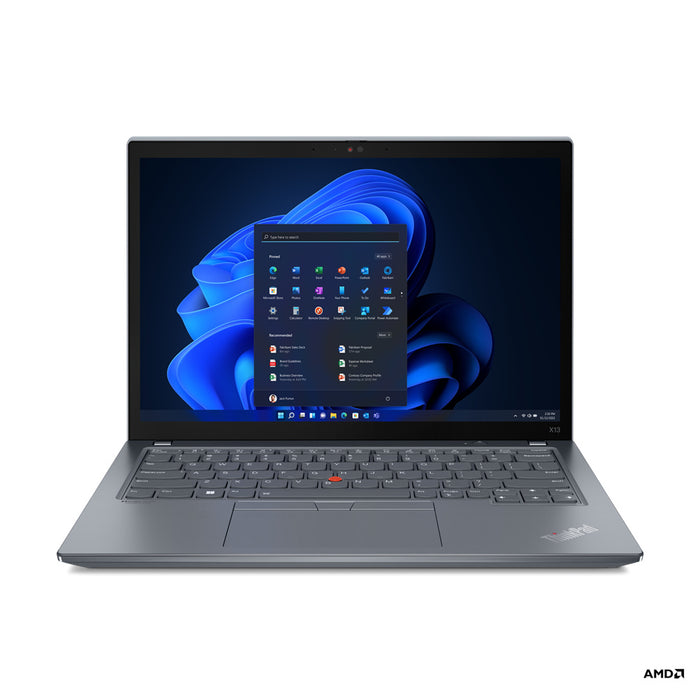
Lenovo ThinkPad X13 Gen 3Intel Core i5-1245U
Features

Lenovo ThinkPad X1 Yoga Gen 6Intel® Core™ i7-1185G7
Features
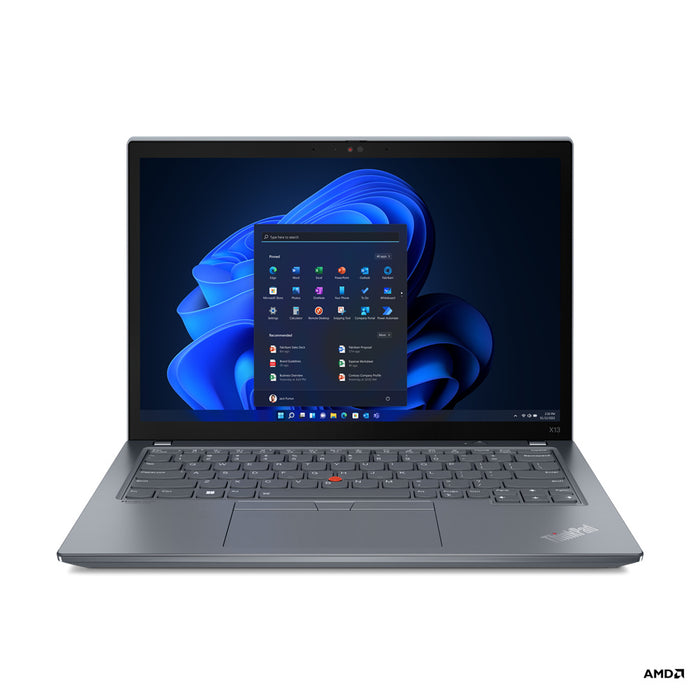
Lenovo ThinkPad X13 Gen 3Intel Core i5-1245U
Features
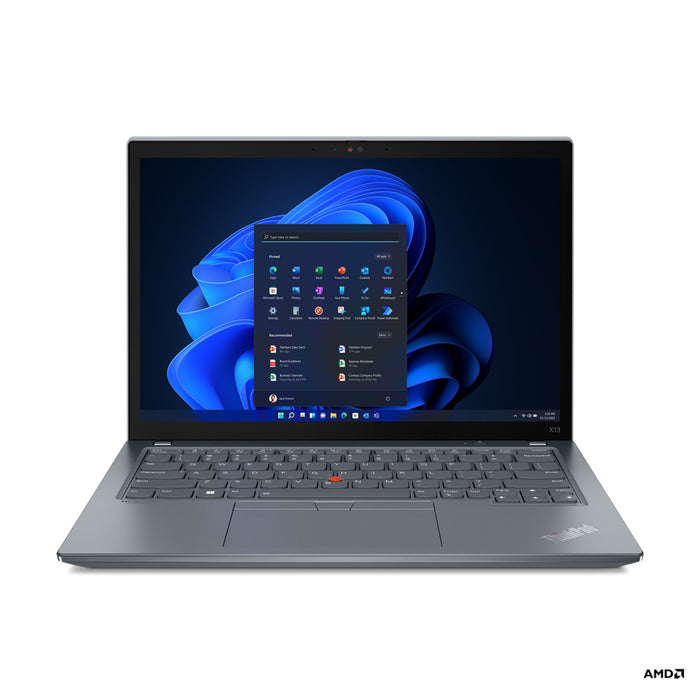
Lenovo ThinkPad X13 Gen 3Intel Core i5-1245U
Features

Lenovo ThinkPad T14 Gen 1AMD Ryzen 5 PRO 4650U
Features

Lenovo ThinkPad T14 Gen 1AMD Ryzen 5 PRO 4650U
Features

Lenovo ThinkPad T14 Gen 1AMD Ryzen 5 PRO 4650U
Features

Lenovo ThinkPad T590Intel Core i7-8665U
Features

Lenovo ThinkPad T590Intel Core i7-8665U
Features

Lenovo ThinkPad T590Intel Core i7-8565U
Features
Why Excellent is the middle ground.
What you see, what you save and why the choice is widest here.
Light marks from careful use that you barely notice while working normally. Think of a small scratch on the chassis or light shine on the most used keys. Distracting scratches or damage do not belong in this grade.
The grade covers the looks only. Technically there is no difference from As new, because every machine goes through the same check on more than 50 points.
Because the difference from As new is small in practice and the price difference is not. You get a machine that looks well kept, for noticeably less than the top grade.
On top of that, this is the largest group: most business laptops come free after a few years in an office in exactly this condition. So this is where you are most likely to find the combination of processor, size and memory you are after.
The widest range of the three grades: various generations, processors, sizes and memory amounts. If you are going to start looking somewhere, start here.
Filter alongside on what matters to you. Unsure about the processor? Start at choose a laptop by processor.
If the machine goes on a client's table, take As new. If you want the most for your money and the looks do not count, take Good. For everything else, Excellent is the middle ground.
Compare the three on choose a laptop by grade.
Questions? Answers.
A laptop in excellent condition shows at most very light marks of use, visible only on close inspection. There are no distracting scratches or damage. The technical condition is tested and the machine is fully functional.
As new has no, or virtually no, visible marks of use and is the highest grade. Excellent may show very light marks that barely register in normal use. In both cases the technical condition is tested and sound.
Yes, absolutely. A laptop in excellent condition looks professional and works perfectly. Its lower price compared to as new makes it the most popular choice for buyers who want quality without paying the most.
Yes. The looks have no influence on technical performance. A laptop in excellent condition performs identically to an as new model and fully meets professional requirements.
On a laptop in excellent condition there may be very fine wear on the palm rest or light scratches on the chassis. Those are normal signs of careful use that barely register in daily work.
Yes. Every laptop at Hej Refurbished is tested thoroughly on the technical side, whatever the grade. The quality check covers all essential parts, from screen and keyboard through to battery and ports.
Excellent is, along with as new, the most sought after grade. Buyers choose it because it offers the best combination of a presentable appearance and an attractive price.
Excellent has minimal and barely visible marks. Good may have clearer but not distracting marks of use, such as small scratches on the chassis. The price of good is correspondingly lower.
Because most business laptops come free after three or four years in an office in exactly this condition: carefully used, but no longer unmarked. That makes it our largest group, and it is where you find the widest choice of processor, screen size and memory.
In practice, no. A scratch on the lid you see when the laptop is closed, not when you are sitting in front of it, and light shine on keys only shows if you go looking for it. What is visible on your machine is stated in the listing.
Usually yes: it looks well kept and nobody inspects the lid from a centimetre away. If you want no risk at all on that, As new is worth the difference.
Excellent is cheaper than As new and dearer than Good. Exactly how much depends on the model and on what is in stock; the price is shown with the machine. Technically you get the same machine with the same warranty in all three.
No. The battery is not part of the grade but part of the testing: we test it as one of the 50+ check points and replace it where needed. The grade only says something about the looks.
Yes. Every overview page has Product condition among the filters, alongside processor, memory and screen size. So you can filter first on what you need and then pick the grade that suits your budget.