Intel Core laptop i3, i5 and i7 side by side
All refurbished laptops with an Intel Core processor on one page. The i5 covers office work comfortably; you choose the i7 if you work with heavy files.

Lenovo ThinkPad X390Intel Core i7-8565U
Features
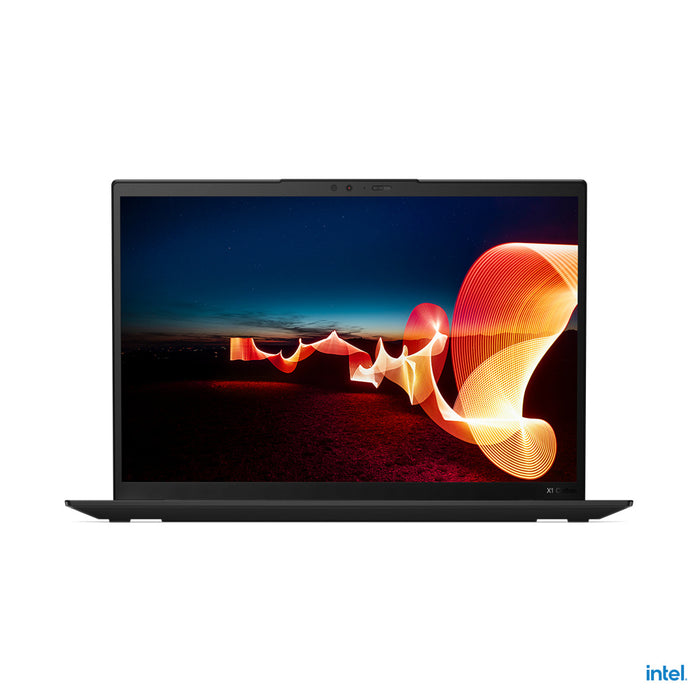
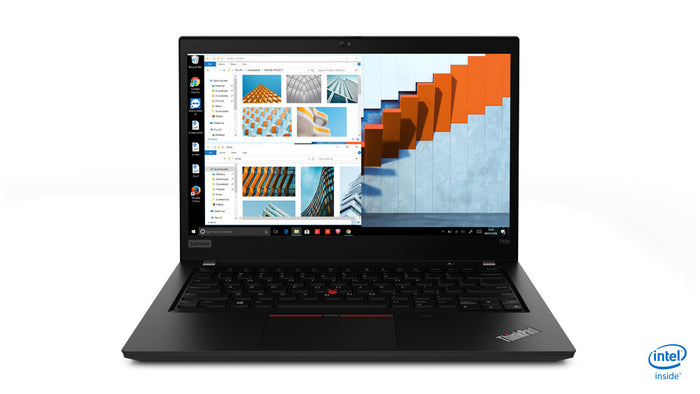
Lenovo ThinkPad T490Intel Core i5-8265U
Features
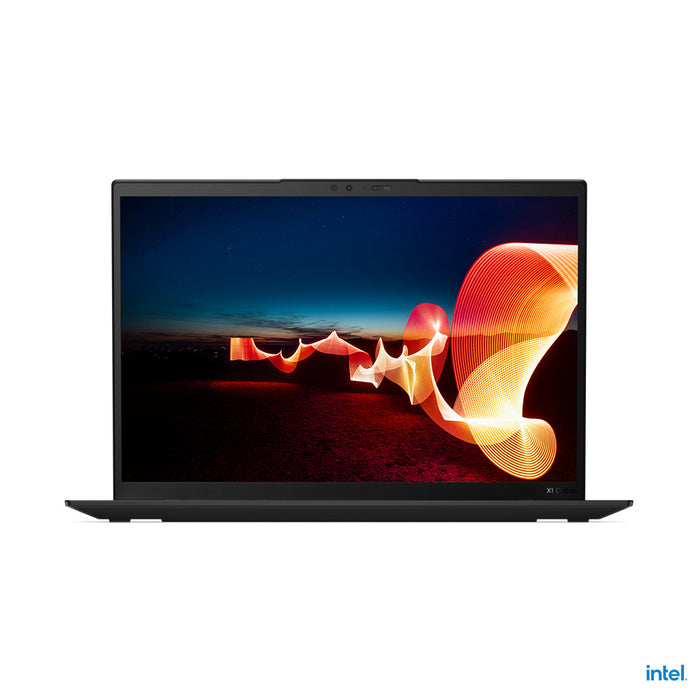
Lenovo ThinkPad X1 Carbon Gen 10Intel Core i5-1250P
Features

Lenovo ThinkPad X13 Gen 2iIntel Core i5-1135G7
Features

Lenovo ThinkPad T490Intel Core i5-8265U
Features

Lenovo ThinkPad T480sIntel Core i7-8550U
Features

Lenovo ThinkPad X1 Carbon Gen 10Intel Core i5-1250P
Features

Lenovo ThinkPad X13 Gen 2iIntel Core i5-1145G7
Features


Lenovo ThinkPad X1 Yoga Gen 6Intel Core i5-1135G7
Features

Lenovo ThinkPad T480sIntel Core i5-8350U
Features
Choose your Intel Core laptop
- Intel Core i3 laptopEnough for email and browsing, light work with one program at a time, at the lowest price.EmailWebLowest priceDocumentsSpreadsheets
- Intel Core i5 laptopThe sensible middle ground, fast enough for office work with lots of tabs and easy on your battery.Many tabsEfficientDocumentsSpreadsheetsEmail
- Intel Core i7 laptopFor when you really work on it, noticeably faster with images, editing and software that calculates for a long time.ImagesEditingComputingHeavy work3D
How to read an Intel processor.
What the number, the generation and the letter mean, and which one you need.
In a name like i5-8365U the 8 stands for the eighth generation. The higher that number, the newer the processor's design.
The generation counts for more than the class: a newer i5 is often faster and more efficient than an i7 from a few generations back.
It tells you what the processor was built for. U stands for efficient, P for more performance and H for the most powerful version in laptops.
In business laptops you mostly come across U models, because those stay cool and quiet and let the battery last.
That differs per generation and is in the specifications of each device. For office work the number of cores matters less than the memory and a fast SSD.
If your laptop feels slow, that is more often too little memory than a processor that is too slow.
Questions? Answers.
Intel Core processors have a strong reputation in the business world because of their stable performance, broad compatibility with business software and long manufacturer support. Most companies, governments and schools regard them as the standard.
Within the Intel Core range the performance is ordered by tier. An i3 is suitable for basic tasks. An i5 offers an excellent balance for daily professional use. An i7 delivers more computing power for heavy multitasking, video editing and technical work.
Yes, an Intel Core i5 is more than enough for most office environments. Email, Office applications, video meetings and multitasking run smoothly. Combine it with at least 8 GB of memory and an SSD for the best experience.
Choose an i7 if you work with demanding applications such as video editing, 3D software, extensive databases or several virtual machines. For standard office work the difference from an i5 is limited in daily practice.
Intel vPro is a platform that adds business management functions, such as remote management and extra security features at hardware level. It is useful for IT departments that want to manage and secure devices remotely.
Modern Intel Core processors are more efficient than earlier generations. Intel U-series processors are specifically optimised for energy-efficient use in compact laptops with longer battery life.
Intel Core processors are generally supported with driver updates for several years. Business laptops generally receive support for longer than consumer models.
Yes. Intel Core laptops are proven hardware deployed in millions of business environments. As a refurbished model they offer the same familiar performance at a considerably lower price, certified tested by Hej Refurbished.
In a name like i5-8365U the 8 stands for the eighth generation. The higher that number, the newer the design.
The generation counts for more than the class: a newer i5 is often faster and more efficient than an i7 from a few generations back.
The i5 is the class, the 8 is the generation, the three digits after that are the model number within that generation and the U is the variant.
So you have three things in one name: how fast the range is, how new the design is and what it is built for.
U stands for efficient, P for more performance and H for the most powerful variant in laptops.
In business laptops you mainly come across U models: those stay cool and quiet and make the battery last longer.
Often not. An i5 a few generations newer is usually faster and more efficient than an older i7, because the processor's design has improved.
So look at the generation first and then at the class. Both are in the processor's name on the product page.
That differs per generation and is stated per device in the specifications. Newer generations have efficient cores alongside the fast ones.
For office work the number of cores matters less than the memory and a fast SSD.