Intel Core i7 laptop For when you really work with it
Buying an i7 laptop is worth it as soon as you have work that keeps calculating: exporting video, large photo files, virtual machines or software that runs at full tilt for minutes.
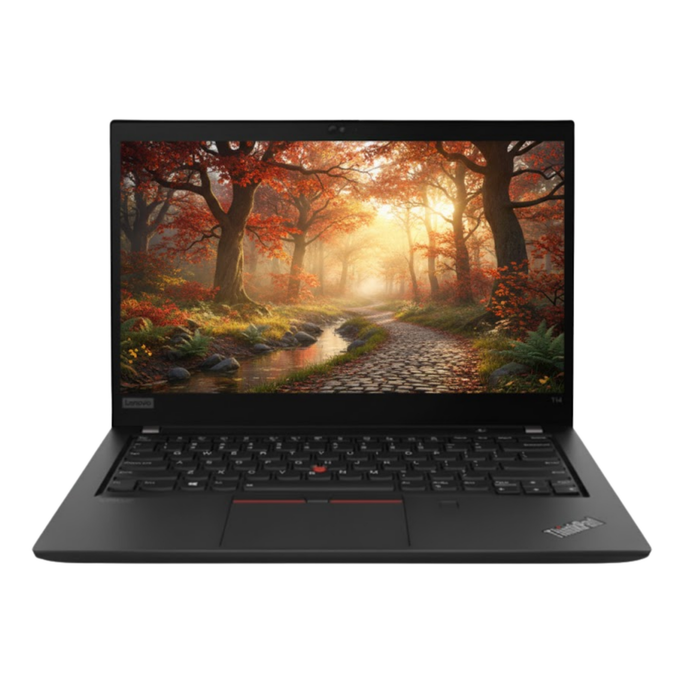
Lenovo ThinkPad T14 Gen 1Intel® Core™ i7-10610U
Features
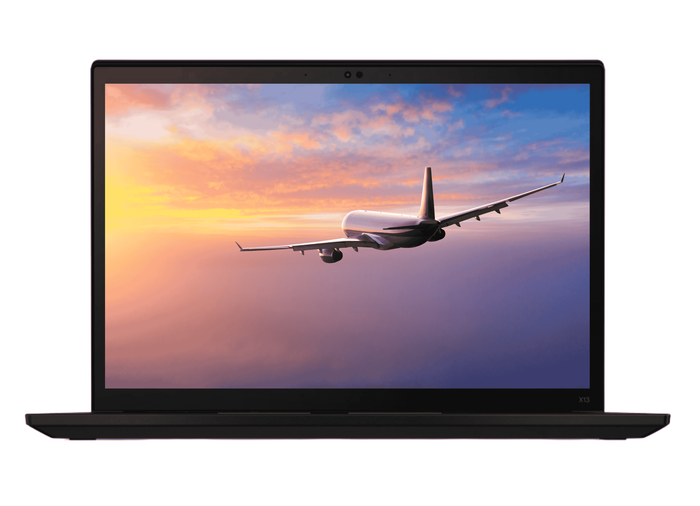
Lenovo ThinkPad X13 Gen 2iIntel® Core™ i7-1165G7
Features

Lenovo ThinkPad P14s Gen 1Intel Core i7-10610U
Features

Lenovo ThinkPad P14s Gen 1Intel Core i7-10610U
Features
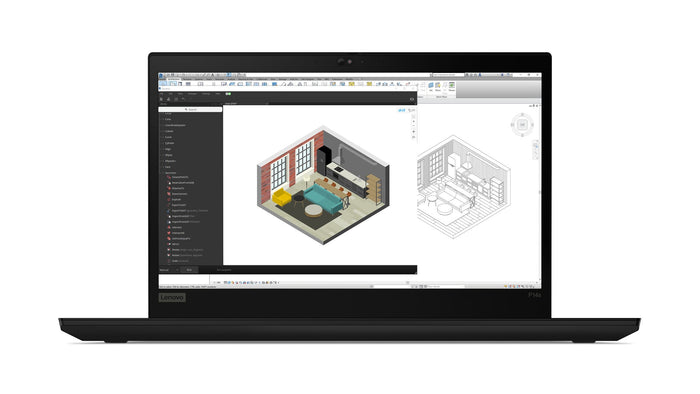
Lenovo ThinkPad P14s Gen 1Intel Core i7-10610U
Features
Lenovo ThinkPad X13 Gen 2iIntel® Core™ i7-1185G7
Features


Lenovo ThinkPad T590Intel Core i7-8565U
Features

Lenovo ThinkPad X1 Yoga Gen 6Intel® Core™ i7-1185G7
Features
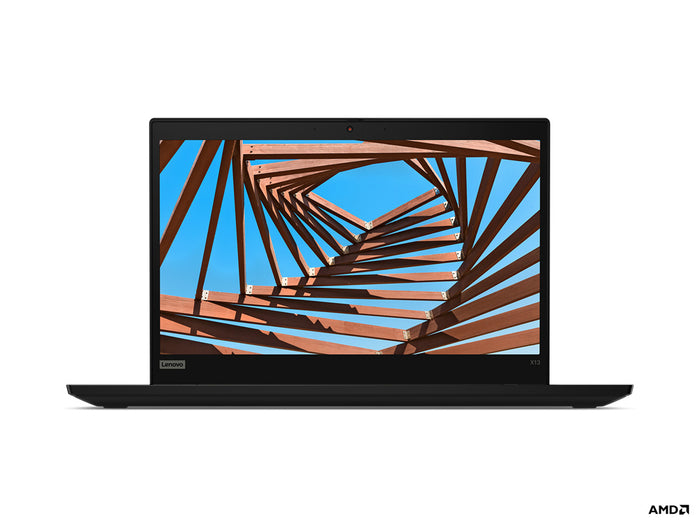
Lenovo ThinkPad X13 Gen 1Intel Core i7-10510U
Features
When an i7 makes the difference.
Where the extra power sits, what you give up for it and when an i5 is enough.
The i7 is the highest level you come across in ordinary business laptops. It has more cores than an i5, a higher burst of speed and more fast cache on the chip. That lets it hold a heavy load for longer before it throttles back, and that is where the difference sits: not on short tasks, but on work that keeps going.
With the i7 too, the generation weighs heavily. From the eighth generation an i7 has four cores or more and Windows 11 is officially supported.
On exporting, rendering, converting large files and running several virtual machines side by side it saves real minutes. On mail, browsing and Office you will notice nothing, because that work never asks for full power.
What you give up: an i7 runs warmer, the fan kicks in sooner and the battery lasts less long than an i5 in the same chassis. In a frugal U version that stays limited, in an H version you will notice it clearly.
Business models out of company lease cycles, including the larger workhorses with more ports and a roomier screen. This level is well available with us, across several generations and grades.
Filter alongside on generation, memory and screen size. On an i7, 16 GB of memory is the logical starting point: with less, the processor runs out of memory rather than out of power.
For image work, editing and virtual machines an i7 is the right place. If you calculate with CAD, 3D or simulations that run for hours, a Xeon workstation is built for that, with memory that corrects its own errors.
Not sure which level you need? Start at choose a laptop by processor.
Questions? Answers.
An Intel Core i7 delivers high computing power for demanding professional tasks: video editing, 3D modelling, software development, large data analysis and intensive multitasking. It is designed for users who put performance first.
An i7 laptop suits professionals working with heavy software, large files or complex calculations. Think of video editors, architects, data analysts, researchers and software developers.
For mail, Office and video meetings an i7 is indeed more than you need. The added value only shows on heavy tasks. If you also take on more demanding projects or want to look several years ahead, though, the i7 is a sound investment.
Yes, an Intel Core i7 is very well suited to editing in Full HD and 4K. Combined with enough RAM, a fast SSD and preferably a dedicated graphics card, it delivers a smooth editing workflow.
Modern Intel Core i7 U-series processors are more efficient than earlier generations. They balance high performance with reasonable power draw. Under light use, the processor automatically drops into a more frugal mode.
Yes. An Intel Core i7 laptop stays relevant for 5 to 8 years or longer in normal use. The extra power leaves more headroom for software that grows heavier over time.
Yes, laptops with a Core i7 generally cost more than comparable i5 models. As a refurbished machine that gap is smaller. For users who do not need the extra power, an i5 remains the smarter buy.
Yes. At Hej Refurbished, i7 laptops are tested extensively under load. Business i7 models are built robustly for intensive professional use. You receive a tested machine with warranty.
As soon as you have work that runs at full tilt for minutes: exporting video, large photo files, compiling code or virtual machines. Then it genuinely saves time. If it stays with mail, browsing and Office, an i7 will not do anything an i5 cannot, and the price difference is better spent on 16 GB of memory or a bigger screen.
Four cores from the eighth generation, often four to eight from the eleventh, and in newer generations a mix of fast and frugal cores. The count only means something if your software uses them: on exporting and with virtual machines it does, with one program at a time it does not.
In the frugal U version, which sits in almost every business laptop, an i7 comes close to an i5 and you will get through a day of office work. With an H version or on heavy work the battery drains noticeably faster, because the processor runs at full power. On most models the battery can be replaced when it is worn.
Not on office work, since it then sits at low power and the fan stays off or quiet. On work that keeps calculating the fan does run; that is part of it and it is how the processor holds its speed. Every laptop from us is cleaned internally and the thermal paste replaced where needed, so it does not happen unnecessarily.
For photo work, editing and several screens, no: the built-in graphics of an i7 handle that. A dedicated card is what you need for 3D, heavy renders and software that specifically asks for one. If that is you, have a look at laptops with a dedicated graphics card.
A processor does not get slower, but software gets heavier. An i7 from a recent generation with 16 GB of memory therefore has years of headroom. When choosing, look at the generation and the memory; those two decide how long the laptop stays pleasant to use, more than the i7 label itself.