4K laptop Refurbished, extra sharp picture
A 4K laptop has a screen of 3840 by 2160 pixels, four times as many as Full HD. You see it in the fine detail: small letters, thin lines and photos at full size.


Lenovo ThinkPad T15 Gen 1Intel Core i7-10510U
Features
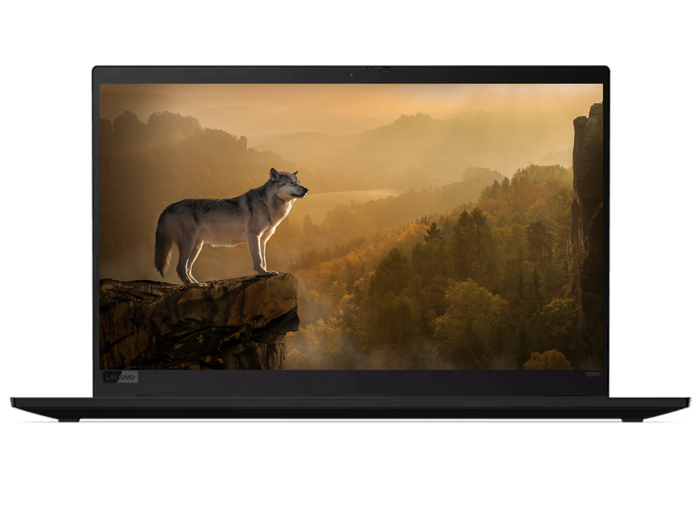
Lenovo ThinkPad X1 Carbon Gen 7Intel® Core™ i7-10510U
Features
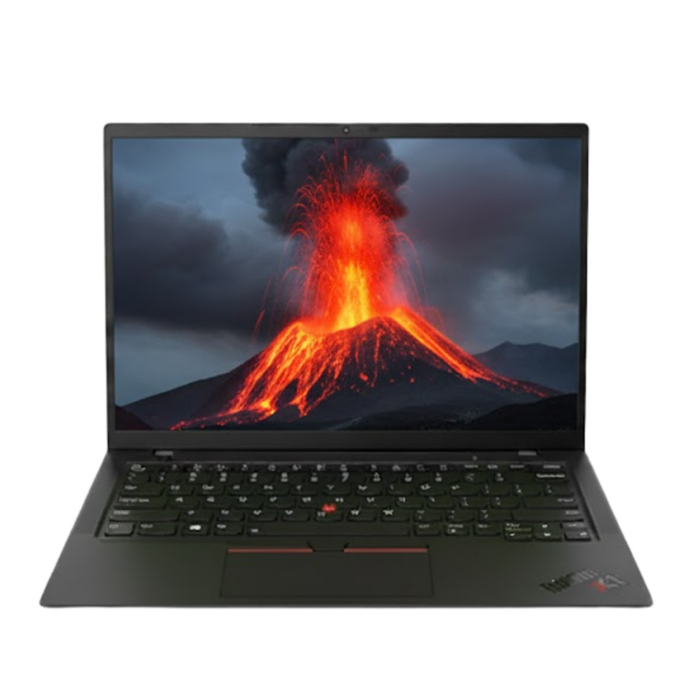
Lenovo ThinkPad X1 Carbon Gen 9Intel® Core™ i7-1165G7
Features
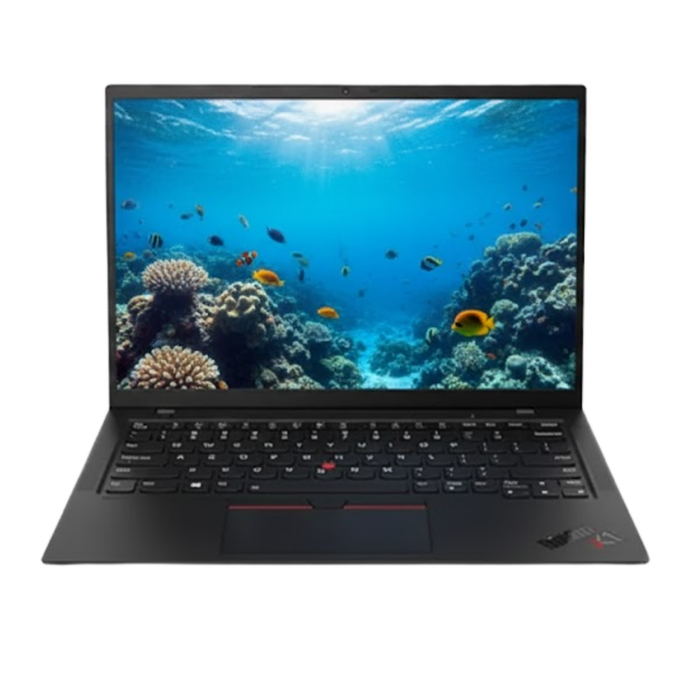
Lenovo ThinkPad X1 Carbon Gen 9Intel® Core™ i7-1165G7
Features
Four times as many pixels as Full HD.
What 4K means on a laptop screen, when it is worth it and which ThinkPads have one.
4K stands for 3840 by 2160 pixels, also called UHD. In the specifications you will see those numbers or that abbreviation; Full HD is 1920 by 1080.
On a 14 or 15 inch screen those pixels sit very close together. Windows therefore enlarges everything automatically, otherwise text would become unreadably small. So you do not get a bigger desktop, you get a sharper one.
If pictures are your work. In photo editing, video, design and mapping you see detail on 4K that disappears on Full HD, and you see sooner how something will look on a large screen.
For email, Office and the browser, Full HD is plenty. A 4K screen needs more power, so you get fewer hours out of the battery. You notice that mainly if you are often away from a socket.
The screen was an option per device, so the same model exists just as easily with Full HD. That is why the range is small and changes quickly.
At the moment this collection has the X1 Carbon and larger models from the T series, such as the T15 and the T14s. What is here now is shown above.
On a 13 or 14 inch screen the pixels in Full HD already sit close together, so the gain from 4K is mainly in photo, video and design. For documents, mail and spreadsheets you hardly see the difference.
4K does cost more battery, because there are four times as many pixels to drive. If you mainly want working space, a larger screen or an external monitor helps more than a higher resolution.
Questions? Answers.
A 4K laptop has a screen with a resolution of 3840 by 2160 pixels, four times as many as Full HD. That gives an exceptionally sharp and detailed picture. Every element on the screen, from text to photos and video, is rendered crisply.
In Windows go to Settings, System, Display. Under Display resolution it says 3840 by 2160 if it is a 4K screen. Full HD appears there as 1920 by 1080.
In the specifications of a device it is called 4K or UHD. Note that some models have an in-between size, for example 2560 by 1440; that is sharper than Full HD but it is not 4K.
Yes, certainly on screens of 14 inches and larger the difference is noticeable, especially when working with detailed images, in design and when watching video. For text work, letters are more even and sharper.
On a small screen the pixels already sit close together at a lower resolution, so the gain is smaller there. You mainly see it in fine letters and thin lines, and when you work with photos at full size.
From 15 inches the difference is clearer, because the same pixels would be spread over more surface. If you mainly work in text and email, a good Full HD screen on 13 inches is kinder to your battery.
Windows does that itself. In Settings, System, Display there is a percentage under Scale that Windows recommends, usually 200 per cent on a laptop screen. Everything is then the same size as on Full HD, but much sharper.
If you find it too large or too small, change that percentage. Do not set it lower than Windows recommends if you read all day; small letters on 4K are sharp but genuinely small.
They can. Programs that do not yet take scaling into account are stretched by Windows, and then text looks soft. It is mainly older software that has not been updated for years.
There is a setting for it: right-click the shortcut, choose Properties, Compatibility, and switch on the high DPI setting. Windows then lets the program scale itself, which often comes out sharper.
A 4K screen is most valuable for designers, photographers and video editors, so for work on images and colour accuracy. Architecture, animation and other creative professions also benefit from the extra resolution.
If you are still weighing up what to choose on, start at choosing a laptop by feature.
Yes, a 4K screen is excellent for photo editing, provided it also has good colour accuracy. The high resolution shows every pixel of a photo, which makes it ideal for detailed work.
Yes. That goes over USB-C with DisplayPort or over HDMI, depending on the ports of the device. Which ports are fitted is in the specifications; if you work with a docking station, also check what it passes through.
Watch the refresh rate. For work, 60 frames per second is comfortable, and not every older HDMI port reaches that at 4K. Over USB-C or a dock it usually does.
Yes, a screen with a higher resolution asks more of the graphics unit and the memory. A laptop with a 4K screen therefore usually needs stronger hardware to stay smooth. When playing media and in light use you will notice little difference.
A screen with a higher resolution uses more energy than a Full HD screen, which shortens battery life. That is the familiar trade-off with 4K laptops: more picture quality at the expense of the battery. On the move especially, it is a point to keep in mind.
Sharp letters read more calmly, so it helps. But what your eyes mainly notice is brightness, contrast and whether the screen reflects. A good matt Full HD screen can be more comfortable than a glossy 4K screen in a bright room.
So do not look at resolution alone. Set the brightness to the room you work in and step back regularly; that makes more difference than the number of pixels.
For ordinary office work, 4K adds relatively little over Full HD. Text and documents are sharper, but the difference is smaller than for visually intensive work. Consider Full HD or 2K if battery life is your priority.
In that case, have a look at all refurbished laptops.
Yes. At Hej Refurbished, 4K screens are checked for brightness, colour accuracy and pixel faults before they are sold. You receive a tested device. As a refurbished model you save considerably against the new price.